GitHub Copilot Fusion automates AI model selection in code

- Reading
- 5 min
The feature became generally available in GitHub Copilot on October 28, 2026, replacing the manual choice between Claude, GPT-4, and other models with a system that decides on its own, task by task.
The end of manual model selection
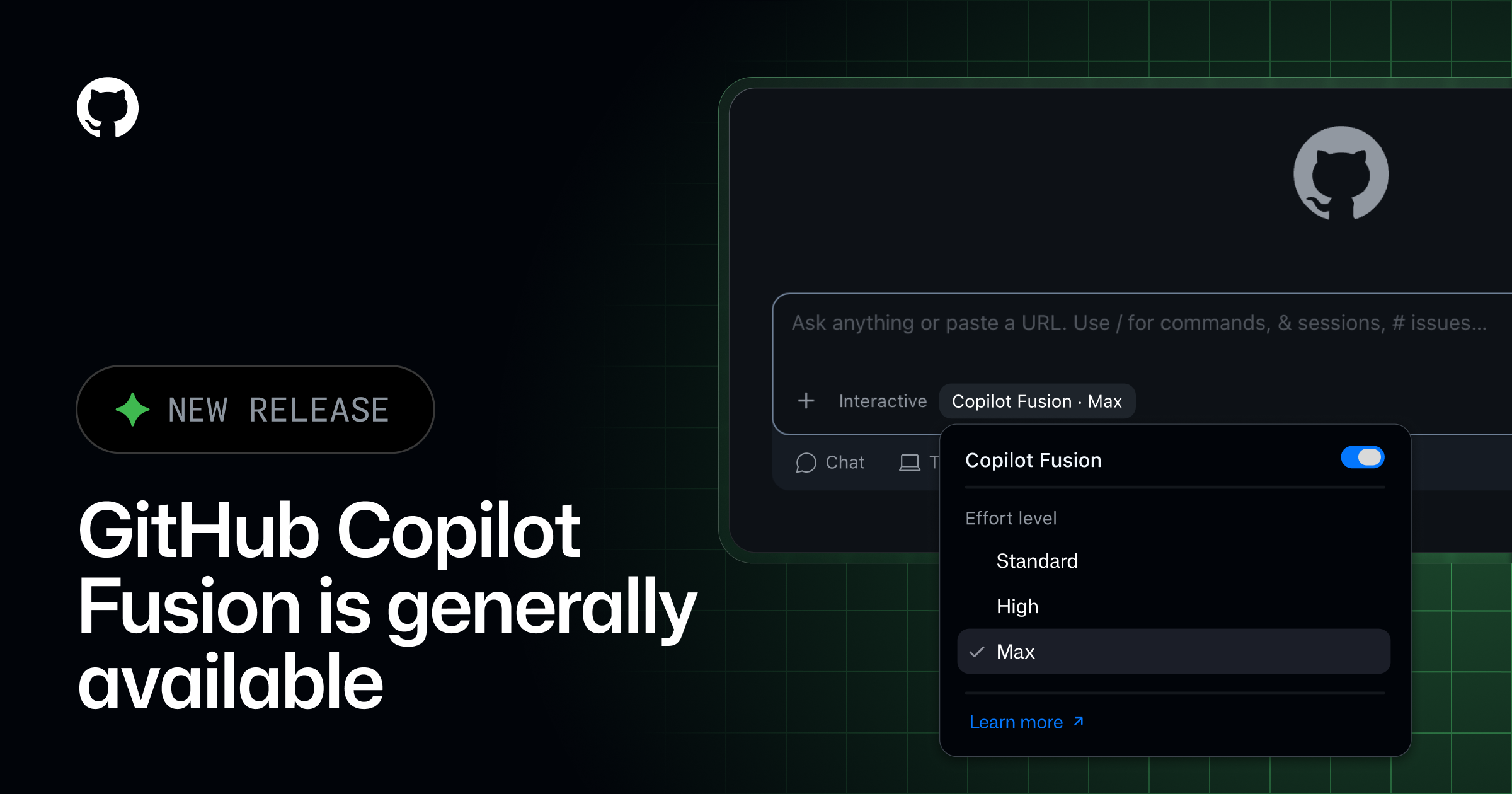
GitHub made Copilot Fusion generally available on October 28, 2026, according to GitHub's official changelog. Before that, anyone using Copilot in VS Code had to open the model picker and decide, task by task, whether the work called for Claude, GPT-4, or another model available on their plan. With Fusion, that choice disappears from the workflow: the developer selects Copilot Fusion in the picker, and the system decides, prompt by prompt, which model (or combination of models) best handles that piece of code.
The feature wasn't built from scratch. It merges two things that already existed in preview: Project HydraFusion, which orchestrated multiple models within a single task, and Copilot auto model selection, which picked a single model per task. Merging the two approaches tries to balance two metrics that always compete with each other: response quality and cost per task.
Anyone who was already using the preview versions (auto, HydraFusion, or HydraFusion Max) had their own setting automatically migrated to the corresponding Fusion effort level. There's no need to manually reconfigure anything to keep using the feature.
Three effort levels, three workflows
When choosing Copilot Fusion in the picker, the developer still sets an effort level:
- Fusion Standard: prioritizes versatile models for everyday work, like autocompleting a function or writing a simple test.
- Fusion High: prioritizes more capable models for harder tasks and deeper reasoning.
- Fusion Max: uses the most capable models available, reserved for the most demanding tasks.
Under the hood, Fusion chooses between three orchestration strategies for each prompt:
- Single: a single model handles the task on its own, without help.
- Cascade: a cheaper model drafts the response; a quality checker decides whether to accept it or escalate to a stronger model.
- Critique: one model drafts, another model reviews it, and the first one rewrites based on the critique.
This orchestration is what sets Fusion apart from a simple automatic default model: within a single task, two or three different models can work in sequence without the developer noticing the seams between them.
The numbers GitHub released
On the Artificial Analysis Coding Agent Index, a third-party benchmark cited by the changelog itself, Fusion Max scored 60 points, two points behind Claude Code running on Opus 5.5 Max. The difference, according to GitHub, lies in cost: Fusion Max reached that result spending about half the average API cost per task, using about half the tokens, and taking about 40% less time per task.
A note of healthy skepticism is in order: these numbers come from a benchmark mentioned by the vendor itself, with no direct link in the changelog to the full methodology or to results reproducible by third parties. It's real data, but it deserves validation through your own testing before becoming an ROI argument for the team.
What changes for people who write code every day
In practice, the change addresses a common habit that GitHub itself cites as motivation: switching to a different model for a complex task and forgetting to switch back to the cheaper model afterward. This habit, documented through a real customer testimonial, is exactly the kind of friction Fusion tries to eliminate.
GitHub Copilot Fusion Standard has improved token efficiency across AT&T by automatically selecting the right model for the task, reducing unnecessary spend and preserving capacity for higher-value work.
Hari Pokhrel, Principal Software Engineer, AT&T
It's the only production use case the changelog names explicitly. The source doesn't mention any Brazilian company adopting Fusion; teams here in Brazil that already use Copilot Enterprise will need to test on their own whether the same token-saving pattern holds at their local team's task volume.
The trade-off that stays hidden
Gaining automation costs visibility. When the developer chose the model manually, they knew exactly which AI generated each suggestion, which matters for debugging a strange result or reproducing a specific behavior. With Fusion, that decision now belongs to the system, task by task, and the changelog doesn't specify whether the interface shows, after the fact, which model (or combination) was used in each response.
This weighs more heavily on teams with compliance policies about which model provider processes which type of code. Administrators remain in control: Fusion only uses the models enabled under the organization's and enterprise's model policies, and it's possible to disable a specific model just for Fusion without removing it from the overall catalog. It's also possible to set Fusion, at any effort level, as the default model via enterprise managed settings.
How billing works
Fusion isn't a separate plan: usage is billed per model, at the standard rate for each model involved in the task. For a limited time, those on paid Copilot plans get a 30% discount on model cost when using Fusion, which helps justify the switch in the first few months, but it's worth remembering that a promotional discount has an expiration date that the changelog doesn't specify.
When it's worth switching
It makes sense to turn on Fusion for everyday tasks, the ones the developer wouldn't have the patience to manually categorize as simple or complex before each prompt. It also makes sense for anyone leading a team who wants to stop wasting budget on people using an expensive model for a trivial task, which was exactly the problem AT&T reported.
It makes less sense when a task calls for a specific model for a known technical reason, such as a larger context window, proven affinity with a niche language, or when the team needs deterministic traceability of which model generated which piece of code for audit purposes. In those cases, manually choosing the model remains the safer option, at least until GitHub provides more detail on how Fusion exposes that information after generation.
Copilot Fusion is available on all Copilot plans in VS Code, in the GitHub Copilot app, in the GitHub Copilot CLI, and in JetBrains IDEs, with support for other clients promised in the coming months.
Translated from the Brazilian Portuguese original · Read the original
GitHub Copilot lets you choose where the agent runs and which model to use in VS Code
In the Universe 2026 releases for Copilot in VS Code, GitHub separates two decisions that used to come preset: where the agent executes and which model handles the task. The choice changes cost, latency, and what leaves (or doesn't leave) your machine.