Publishing a project developed in Golang on a free server
In this quick post, my goal is to show how you can publish your project developed in Golang on a free server in just a few…


- Reading
- 2 min
In this quick post, my goal is to show how you can publish your project developed in Golang on a free server in just a few minutes.
Golang
For this, I will use as an example a project I developed and shared on my GitHub, where I demonstrate a simple implementation of a JWT authentication API: go-auth
Well, after choosing your project, the next step will be to create an account on Render. I use my GitHub account to make integration with my projects easier, but it also lets you create your account in other ways.
With your account created and already inside the portal, click on New at the top of the screen:
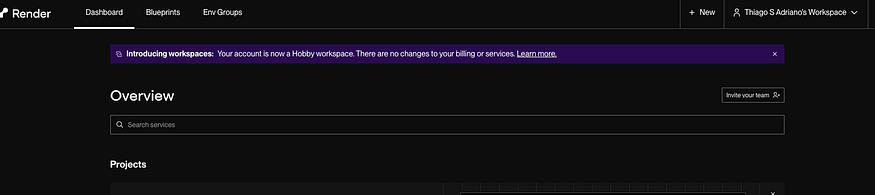
Now select Web Service, then select the location from which you want to fetch your project.
Note that Render lets us fetch from the following places:
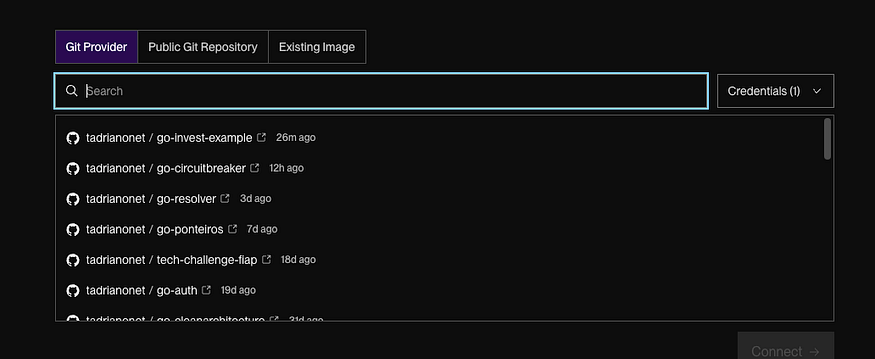
- Git Provider: My GitHub account;
- Public Git Repository: Some public GitHub repository;
- Image: Here we can select an image repository such as: Dockerhub, ECR, ACR …etc
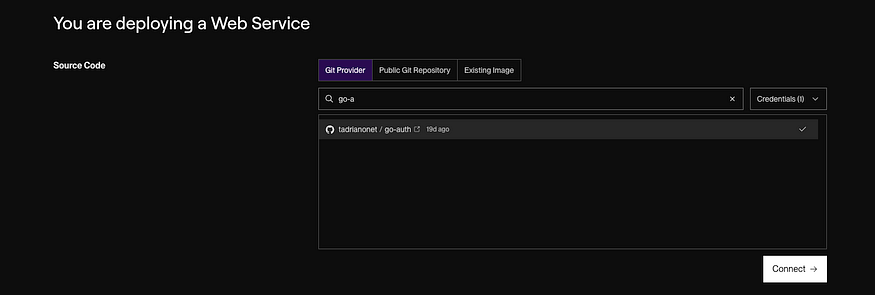
For our example I will select Git Provider and the project: go-auth
Select your project and click on Connet:
Now fill in the fields according to your context. In my example, I just selected the Free plan.
Once that's done, just click on Deploy to upload your application.
Note: This process may take a few seconds; you can follow its progress in the dashboard logs until it finishes:
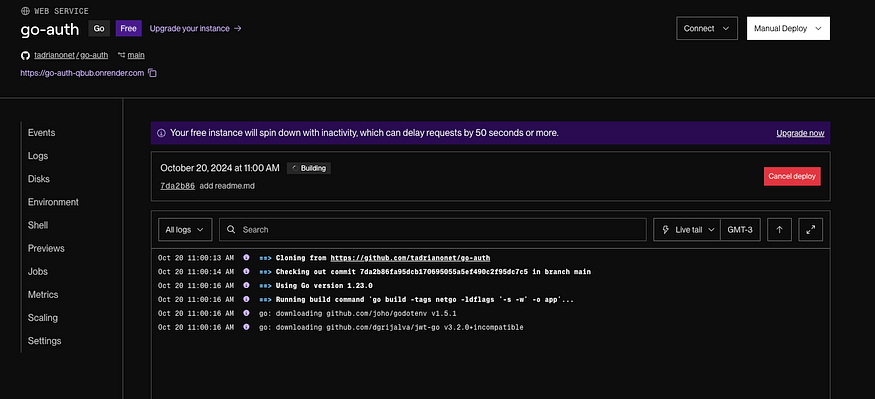
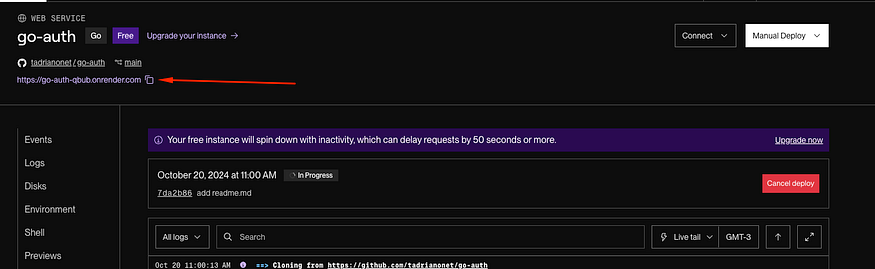
With the deploy finished, click the link at the top left of your screen so you can get your application's DNS:
Now, to validate this flow, I will make a post to my application using Postman:
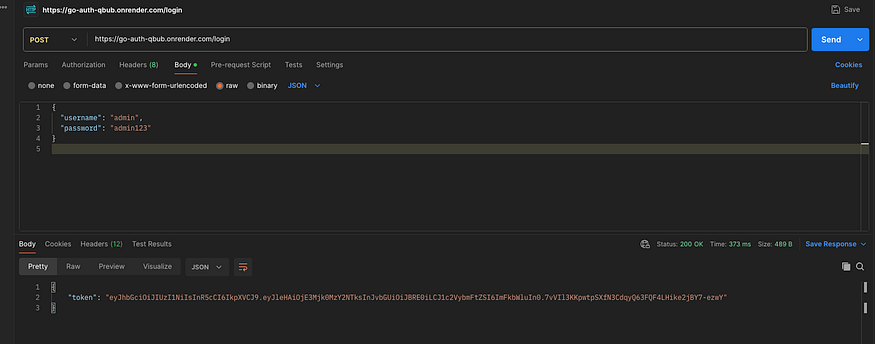
Note that we get a token in the response.
Well, my goal here was to show how to publish our projects on a free server. If you have any questions about this process, leave a message in the comments or reach out to me on linkedin 🙂
With that, I wrap up this article, see you all next time.
Translated from the Brazilian Portuguese original · Read the original