Vibe Coding with GitHub Copilot
Not every bit of code needs to fix bugs, you know? That's vibe coding: programming in a light, creative way, with a little help from GitHub Copilot…

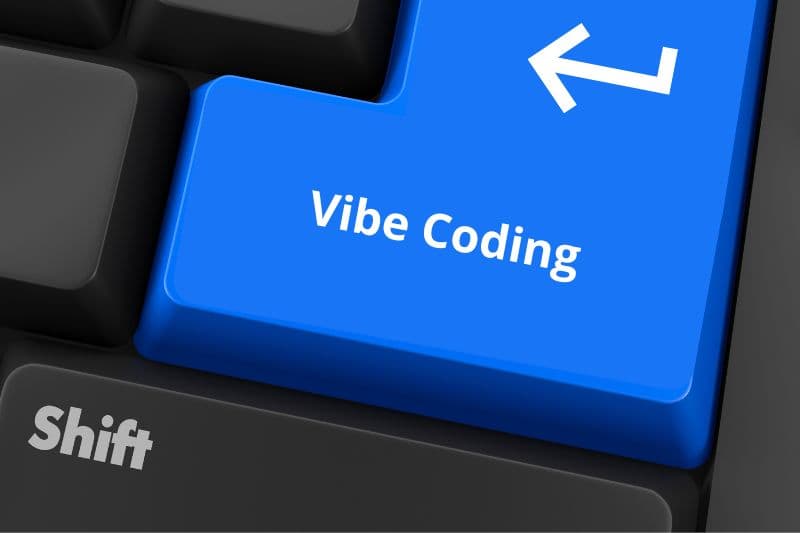
Not every coding moment needs to be about productivity or fixing bugs, you know? Sometimes, all we want is to open up a personal project, one of those really random ones, put on some good music, and let the code flow. That's vibe coding: programming in a light, creative way, with a little help from GitHub Copilot (or sometimes, a lot of help, haha).
I don't know about you, but working eight hours a day, taking care of the house, the cats, my health, and my family, I have little time left to code! Because of that, many of my personal project ideas got left behind. That is, until GitHub Copilot showed up in my life!
(Here's the usual disclaimer: this isn't going to replace your job, okay, that's why it's called co – pilot)
This year, I brought several little projects to life thanks to this whole vibe coding thing. Shall we learn more?
What is vibe coding?
Vibe coding is a modern software development approach that combines the use of natural language, advanced artificial intelligence, such as GitHub Copilot, and a more fluid, collaborative, and iterative way of programming. The term, popularized by Andrej Karpathy, describes a style in which you explain what you want in simple words in your natural language, and the AI turns your ideas into code. That way, you focus on intent and functionality, while the AI handles the implementation details.
In vibe coding, the developer gives natural language commands to the LLM, which acts as a programming partner. GitHub Copilot generates, refines, and even helps debug the code, creating a constant exchange that speeds up development and makes the experience lighter and more creative.
For a good vibe, it's best to set up a comfortable environment, like an ambient playlist, an editor configured to your liking, and Copilot turned on. Agent Mode in VS Code takes this experience further by letting Copilot understand multiple files, suggest terminal commands, and fix errors automatically. With support for the Model Context Protocol (MCP), the tool can access workflow information, such as pull requests and issues, offering a more integrated experience.
Tips for creating the perfect vibe
Create a welcoming space for coding. Use your favorite music to help you focus, and keep your editor set up for your visual and functional comfort. Make the most of Copilot's Agent Mode to delegate repetitive tasks and automate subtasks, which helps you keep up the pace without burning out. Also, use clear, iterative prompts, adjusting what the AI generates so the result comes out exactly the way you want it.
When to Vibe “Code” and Its Benefits
Vibe coding is ideal for moments when you want to relax after an intense day, code for fun on the weekend, join casual live streams, or try out new languages, it's great for helping you learn new things. It's also great for testing ideas and exploring projects without pressure, keeping the process light and fun.
As I mentioned at the beginning, it really helps you bring ideas to life, and build MVPs.
Now let's get to the benefits:
- Speeds up development by taking on repetitive and bureaucratic tasks
- Makes rapid prototyping and idea experimentation easier
- Makes code more accessible for beginners, who can focus on the logic and on what they want to build
- Encourages creativity by freeing development from mechanical tasks
- Promotes hands-on learning, with the chance to observe and absorb the AI's patterns and solutions
When Not to Use Vibe Coding
Not everything is perfect, right, folks? Vibe coding relies a lot on AI, and as I always say, AI is limited and doesn't replace human intelligence, experience, and context.
Avoid using this approach when working with production code, when you're under tight deadlines, or on tasks that demand absolute concentration. And of course, at your job!
It's also not recommended if you're tired or need mental rest, because reviewing AI-generated code takes attention and energy (yes, you do have to review the code! ALWAYS!).
Challenges and Limitations
Besides the reasons above for not vibe “coding” everything, all the time, working so closely with AI has its own problems:
- The generated code may not be optimized, secure, or clear, especially in complex projects
- You need to review it carefully to avoid flaws and vulnerabilities
- Relying too much on AI can hurt your deep understanding of the code, making maintenance and debugging harder
- AI can't always identify or fix complex problems in the program's logic
- Excessive reliance can affect the development of your technical skills
At the End of the Day
Vibe coding is an invitation to rediscover the pleasure of programming, combining human creativity and artificial intelligence. With GitHub Copilot, especially with advanced features like Agent Mode and MCP, this experience is more accessible, efficient, and fun than ever. So, open your editor, pick your favorite music, and let the code flow with lightness and purpose.
And for anyone who wants to dive fully into vibe coding, how about joining us at Quinta do Patinho? It's a casual weekly live stream where I code live, explore GitHub Copilot, answer questions, and swap ideas with the community. It's a great chance to practice, learn together, and keep the vibe high. See you there!
Extra: What I Listen to During My Vibe Coding Sessions
I love the Mr. Robot soundtrack! It really has that “Hackerman” vibe
And on YouTube, I like to put on this super cute Animal Crossing live stream on a second screen, where you see the little animals enjoying their peace and quiet, with soft jazz playing in the background, I highly recommend it.
Translated from the Brazilian Portuguese original · Read the original