Copilot now connects Supabase, Box, and Calendly directly into the coding workflow

- Reading
- 5 min
- Tables
- 1
GitHub expanded Copilot's MCP connectors with eight new services, including Supabase and Buildkite. For those who work with backend, the difference isn't convenience, it's governance.
The announcement
On November 18, 2026, GitHub expanded the list of services that Copilot can access directly through connectors based on MCP (Model Context Protocol). Eight new services entered public preview: Box, Buildkite, Calendly, ClickUp, Mixpanel, Supabase, Webflow, and Wix. They join more than 25 connectors already available, such as Slack, Figma, and Sentry, according to GitHub's official changelog.
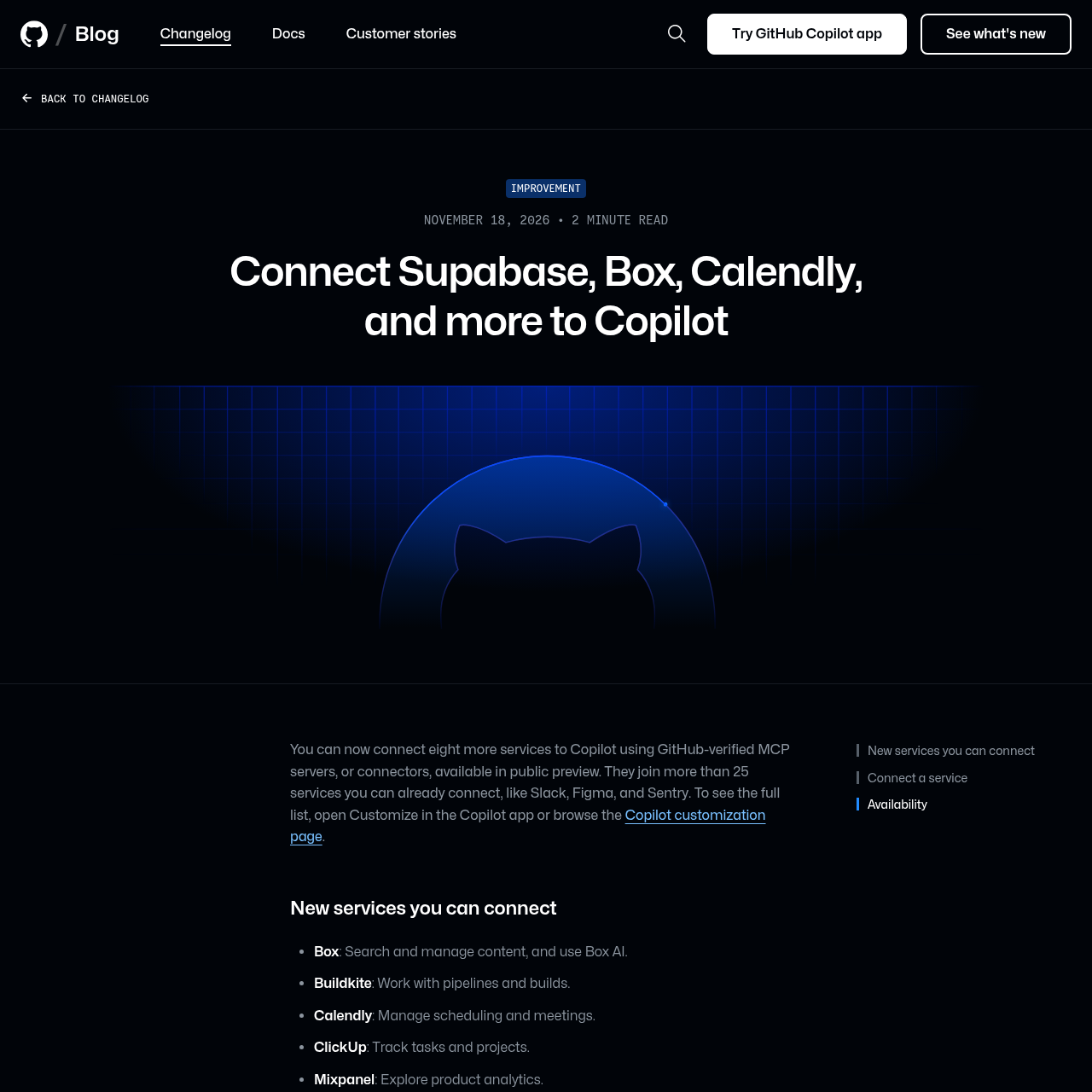
For those who maintain backend in production, the list is more interesting than it seems at first glance. Supabase and Buildkite aren't generic productivity tools: they are pieces of infrastructure that today live outside the editor, in separate browser tabs, far from where the code is written.
What an MCP connector is, in practice
MCP is the protocol that became the de facto standard for AI to talk to external systems without each vendor having to write a proprietary integration. An MCP connector, in Copilot's case, is a server that exposes a service's API (Supabase, Buildkite, etc.) in a format the model understands and can call during a chat or agent session.
GitHub calls these connectors GitHub-verified MCP servers: the platform itself audits and maintains the list, instead of letting any third-party server plug in without checking. That's different from running your own MCP server pointing at the company's database, something that was already possible before, but required configuring and maintaining infrastructure on your own. The verified connector takes that maintenance burden off the team's shoulders.
Concrete example: Supabase and Buildkite
The changelog cites two use cases worth unpacking, because they show the difference between connecting a service and automating a real workflow:
- With the Buildkite connector, you can ask Copilot why the last build failed and ask it to fix the code in the same session, without leaving the editor to read the log in Buildkite's web interface.
- With the Supabase connector, Copilot can check the database schema before writing a migration, reducing the classic risk of generating a migration that collides with a renamed column or a table that has already changed shape.
This second case is the one that matters most to people who deal with databases on a daily basis. Asking an agent to generate ALTER TABLE blindly, without context on the current schema, is a recipe for SQL that compiles but breaks in production. Giving the model read access to the real schema via MCP before it writes the migration is a direct trade-off: less blind autonomy, more chance that the generated code matches the database's reality.
How to connect
GitHub standardized how to activate these connectors across four surfaces, and the mechanics are the same for the eight new services and for the more than 25 that already existed:
- Copilot app: open Customize and select Connect on the desired service.
- Copilot CLI: run
/mcp, go to the Connectors tab, and select Connect. - VS Code: open the Agents window, go to Customizations, and connect the service.
- github.com: navigate to Copilot's customization page and select the service.
The connection is made once and applies to every surface where Copilot runs. There's no need to re-authenticate Supabase separately in VS Code and again in the CLI.
This isn't a decision for the developer alone
Here's the point that changes the calculus for those who work at a company, rather than alone on a personal project: connectors are in public preview for all Copilot plans, but in Copilot Business or Copilot Enterprise, an admin needs to enable the Editor preview features policy before any developer can use them.
If the company already maintains an MCP allowlist listing connectors individually, instead of using a wildcard, the admin also needs to add each new connector manually: Box, Buildkite, Calendly, and the others don't enter the allowed list on their own. Some services, such as Box itself, still require clearance on their end to allow access via MCP.
In short: before asking the infra team to enable this, it's worth mapping out which admin handles which policy, because there are at least three gates (Editor preview features, the MCP allowlist, and configuration on the third-party service's end) that can block the flow even with the connector already available in the changelog.
When it's worth it and when it isn't
The decision criteria here isn't whether the connector exists, it's what it accesses and with what permission. It's worth weighing the risk per service before rolling it out at scale:
| Service | What the connector exposes | Main risk |
|---|---|---|
| Supabase | Projects and databases | Read/write access to production data via AI agent |
| Buildkite | Pipelines and builds | CI logs may contain secrets or environment variables |
| Box | File content and Box AI | Sensitive corporate documents passing through the model's context |
| Calendly | Schedule and meetings | Low technical risk, but exposes third parties' personal data |
For teams that already use Copilot with Slack or Sentry connectors, adding Supabase or Buildkite is a natural extension of the same trust model. For teams that haven't enabled any corporate connector yet, the safest entry point is to start with something low-risk and read-only, like Mixpanel or ClickUp, before granting write access to the production database via Supabase.
The trade-off of not using it is continuing to manually copy schema, build logs, and tickets into Copilot's chat: it works, but it breaks the flow and tends to become outdated. The trade-off of using it is accepting that the model now has, during the session, live access to systems that previously only a human with direct credentials had via.
For those automating backend workflows in Brazil, the practical takeaway is this: MCP connectors aren't a "Copilot writes code faster" feature, they are automation infrastructure that needs to go through the same security review as any other integration that touches a production database. Permission review, not just code review.
Translated from the Brazilian Portuguese original · Read the original

GitHub Copilot gets team-shared plugin configuration
As of November 18, 2026, teams within GitHub organizations can set default Copilot plugins for all members, without requiring each dev to repeat the same manual setup.