Claude Agent SDK exposes the Claude Code engine for building your own agents
Available since 2025 as an evolution of the former Claude Code SDK, Anthropic's library packages Claude Code's tools, subagents, permissions, and sessions for those who want to program their own agent in Python or TypeScript.

Claude Agent SDK exposes the Claude Code engine for building your own agents
Editor's note: the date 'available since 2025' used in the opening of this text does not appear in the official Anthropic documentation cited as the source. The source does not specify when the SDK was launched; we kept the reference to the year because it is the period when the product began to be publicly announced, but there is no official confirmation of this timeframe in the documentation consulted.
Available since 2025 as an evolution of the former Claude Code SDK, Anthropic's library packages Claude Code's tools, subagents, permissions, and sessions for those who want to program their own agent in Python or TypeScript.
Available since 2025 as an evolution of the former Claude Code SDK, Anthropic's library packages Claude Code's tools, subagents, permissions, and sessions for those who want to program their own agent in Python or TypeScript.
An evolution of the former Claude Code SDK, Anthropic's library packages Claude Code's tools, subagents, permissions, and sessions for those who want to program their own agent in Python or TypeScript.
What the Claude Agent SDK actually is
Anthropic's official documentation (the source for this text) describes the Claude Agent SDK as a library that runs the Claude Code binary inside your own application, in Python or TypeScript. It's not a thin wrapper over the API: according to Anthropic, the SDK delivers "the same agent loop and context management that power Claude Code," that is, the entire engine, not just the model.
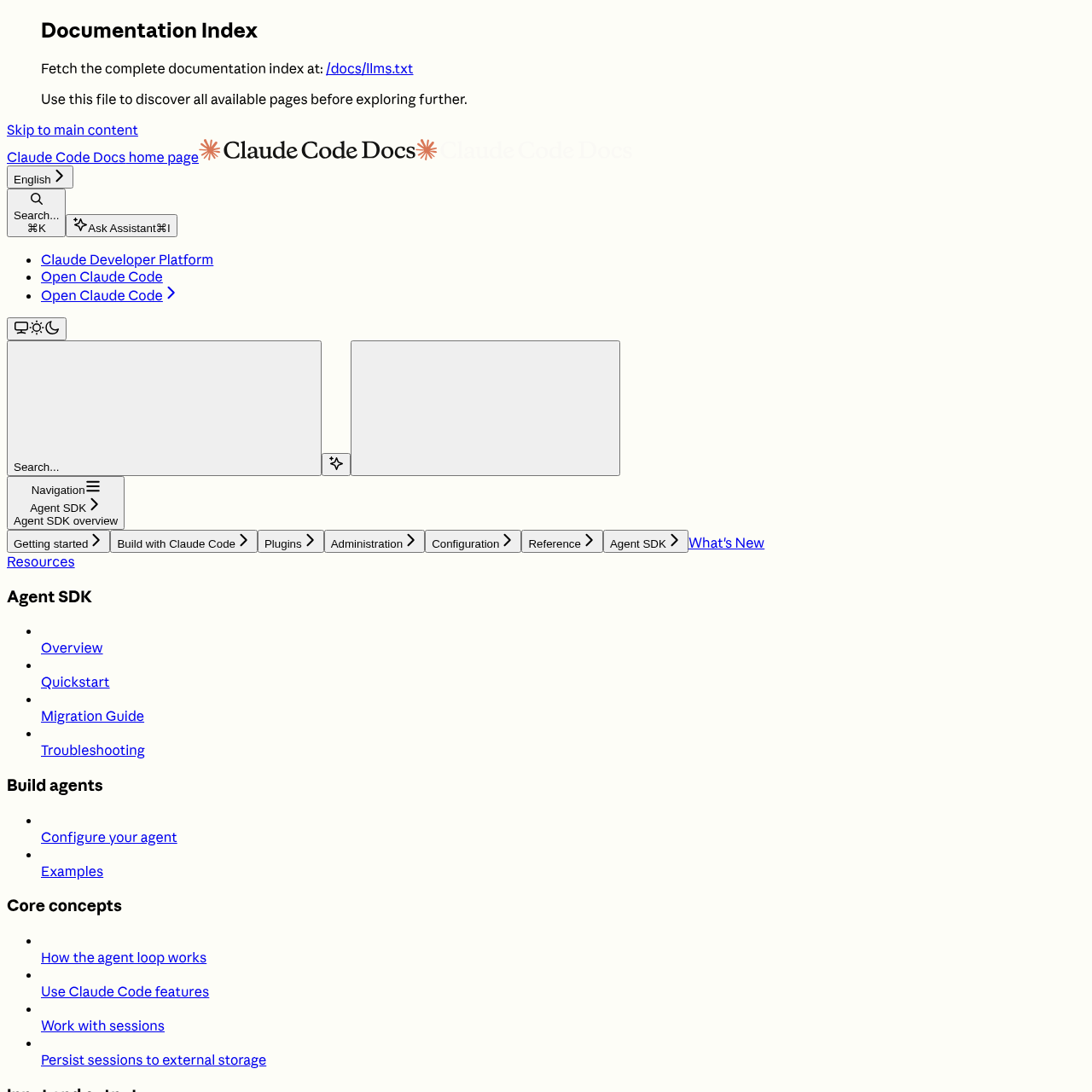
The name is new in form, not in substance: the documentation itself maintains a migration guide for those coming from the old Claude Code SDK packages, a sign that the product is a reorganization of something that already existed. Anyone who already had code running on top of Claude Code needs to review imports, not rewrite the architecture.
Anthropic organizes its own catalog into four ways to use Claude for autonomous tasks, and choosing between them is the first architecture decision for anyone building an agent:
| You want | Use | What you get |
|---|---|---|
| To embed the Claude Code agent in your application, running in your own process | Agent SDK | Ready-made tools, permissions, sessions, and hooks from Claude Code |
| Interactive development in the terminal | Claude Code CLI | Interface ready for daily use |
| To talk directly to the API and write your own tool loop | Client SDK | Raw access to the Claude API |
| To let Anthropic host the agent | Managed Agents | Managed sandbox in the cloud or on-premise |
For languages beyond Python and TypeScript, the documentation recommends running the CLI as a subprocess with the -p flag and --output-format json, which works but loses the native integration with objects and types that the SDK offers in the two supported languages.
The pieces that come out of the box
What sets the Agent SDK apart from building an agent from scratch with the API is the list of capabilities inherited from Claude Code without reimplementation:
- Built-in tools: reading, writing, and editing files, running commands, searching the web
- Hooks: custom code at key points in the agent's lifecycle
- Subagents: specialized agents triggered for focused subtasks
- MCP: connection to external tools and data sources via Model Context Protocol
- Permissions: control over which tools run automatically and which require approval
- Sessions: context maintained across exchanges, with resume or fork
- Skills, commands, and memory: loaded from
.claude/in the project and from~/.claude/, just like Claude Code - Plugins: package skills, agents, hooks, and MCP servers to load by local path
The point that most sets this apart from a hand-built agent is permissions: you can configure which tools the agent runs without asking and which require human approval before running. For an agent that edits files and runs commands on the user's system, that's the difference between a prototype and something you can put into production without monitoring line by line.
How it compares to LangChain and AutoGen
Anthropic's documentation doesn't make this comparison, so what follows is my own reading of the architecture, not a benchmark published anywhere: the source contains no numbers on latency, cost, or accuracy rate comparing the three options.
In my reading of the market, LangChain and AutoGen follow different philosophies of agent orchestration, with proposals centered on portability across model providers and on communication between multiple agents, respectively. The Agent SDK doesn't compete on that ground: it is, by definition, the Claude Code engine, coupled to Claude models. Switching model providers isn't a parameter, it's switching SDKs.
Subagents in the Agent SDK cover part of that multi-agent orchestration space, but the documented pattern is more hierarchical: a main agent dispatches specialized subagents for focused tasks, described in the harness design document as the way the Claude Code team itself orchestrates "dynamic workflows to coordinate many subagents at once."
In short: anyone already running Claude Code gets, with the Agent SDK, the shortest path to programming that same behavior; anyone who needs portability across models or a freer multi-agent conversation protocol will find that more readily available in LangChain or AutoGen, at the cost of reimplementing the tools, permissions, and sessions the Agent SDK already includes.
The brand rules that catch anyone packaging this into a product
A detail that slips past anyone who only looks at the list of capabilities: Anthropic restricts how partners can refer to Claude inside products built on the SDK. It's permitted to use "Claude Agent" or "{Your Agent Name} Powered by Claude"; it is not permitted to call the product "Claude Code" or imitate Claude Code's visual identity. Use of the SDK, including for selling to third parties, is governed by Anthropic's Commercial Terms of Service.
It's also worth noting an access restriction: the documentation makes explicit that, barring prior approval, Anthropic does not allow third-party developers to offer login via claude.ai or the rate limits associated with it inside products built with the SDK, including agents made with the Agent SDK. The recommended authentication is via API key, as described in the official quickstart.
When it's worth getting on this train (and when it isn't)
The roadmap I would follow to evaluate this on a real project starts with the obvious question: does the team already use Claude Code day to day? If so, the Agent SDK reuses hooks, skills, and memory that already exist in the project's .claude/, without rewriting any of it for a generic API. If the team has never touched Claude Code, the familiarity gain disappears and the comparison with LangChain or AutoGen becomes more balanced.
Left out of this calculation is anyone who needs to switch models for cost, latency, or data policy reasons without rewriting the orchestration layer: there, coupling to Claude becomes a switching cost, not a feature. Also left out is anyone who needs a language beyond Python and TypeScript without accepting the CLI subprocess workaround. For everyone else, the SDK delivers, out of the box, what is normally the most painful part of building an agent from scratch: secure tools, configurable permissions, and sessions that survive across runs.
Source: Claude Agent SDK, Official Documentation (Anthropic) (https://docs.claude.com/en/api/agent-sdk/overview)
Translated from the Brazilian Portuguese original · Read the original

Why Modal Is Betting That AI GPUs Shouldn't Come in Fixed Contracts
In an interview with the Latent Space podcast, Erik Bernhardsson explains how Modal grew to US$1 billion in annual revenue by selling sliced GPU instead of fixed blocks, and why agent sandboxes became a third of the business.