
Adobe Max 2026 brings automatic generative removal to Photoshop, Lightroom, and Premiere

- Reading
- 4 min
- Tables
- 1
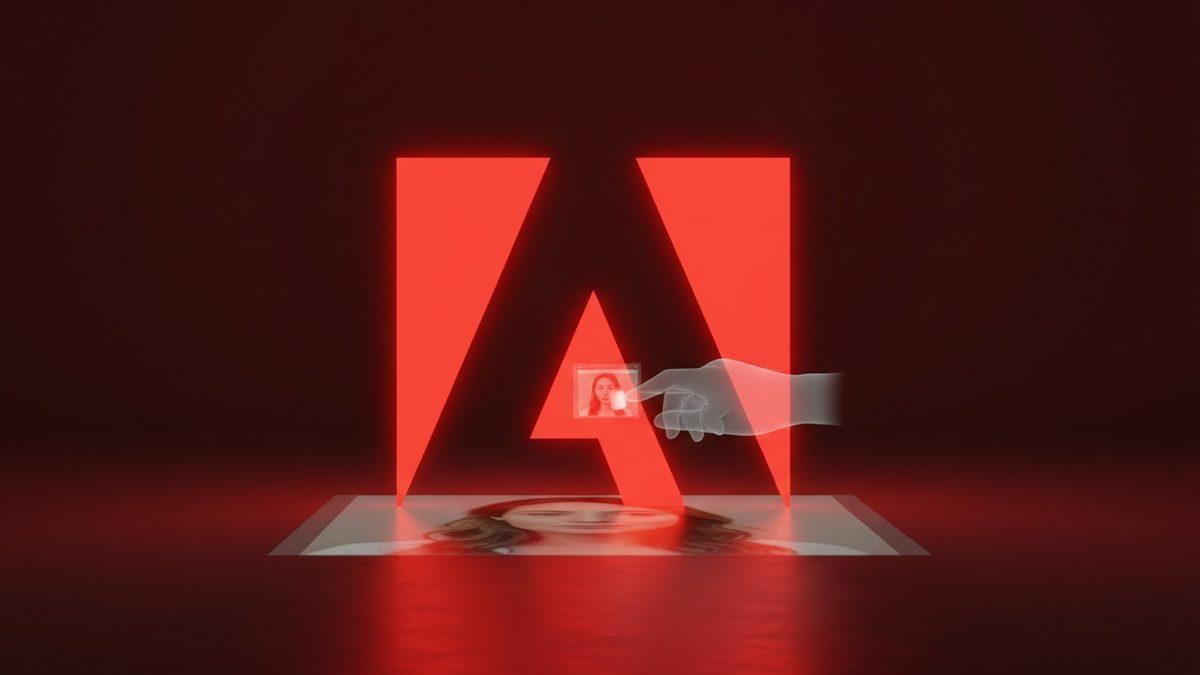
At Max 2026, Adobe unveiled tools that remove distractions, retouch skin, and fix closed eyes with almost no manual effort, along with shortcuts reminiscent of Figma Weave and Figma Make.
On November 10, 2026, during Adobe Max, the company announced a package of updates for Photoshop, Lightroom, Premiere, and the Firefly suite with a clear common thread: taking the manual work of erasing, cleaning, and correcting away from humans, and giving that time back to creative decision-making. The Verge's coverage rounds up the highlights among dozens of announcements made at the event; the full list is on Adobe's own blog.
For anyone designing product, the interesting part isn't just "AI got better at erasing stuff." It's Adobe deciding, announcement after announcement, that removing distractions, retouching skin, and fixing closed eyes are low creative-value tasks that deserve to become a single click, and that the professional's value lies elsewhere in the workflow.
Premiere gets generative removal right in the timeline
The flashiest addition is Generative Remove, in beta in Premiere. The workflow is simple: the editor masks and tracks the unwanted object, such as a microphone boom or background clutter, clicks remove, and Premiere "fills the area with realistic detail" using generative AI, according to Adobe, while keeping the rest of the frame intact. The company had already shown an experimental version of this at last year's Sneaks, called Project Frame Forward; the feature now moves out of the showcase and into a beta tool.
Premiere also got smarter sound editing, which automatically separates dialogue, music, ambience, and effects into distinct tracks to clean up messy recordings. Generative Media, introduced earlier this year, has exited beta and is now generally available, as has Color Mode, the new color correction experience that had entered beta in April.
Photoshop: remove, compare, and relight without switching layers
In Photoshop, the Remove Tool was updated to better reconstruct elements associated with the erased object, such as reflections, shadows, and footprints, instead of leaving obvious traces of what was removed. Two new tools come with the update:
- Quick Compare: a split-screen slider that shows before and after side by side, without having to switch between layers to check the result of an edit.
- Relight: adds positionable light sources on the canvas, with hue and brightness controls, to adjust an image's lighting after the fact.
These are features that address a common pain point for anyone reviewing artwork with a client: comparing versions and testing lighting without reopening the file in layers has always eaten up meeting time that could instead be spent deciding.
Lightroom finally brings skin retouching to desktop
The blemish-removal tool (spots and skin imperfections), which already existed in Lightroom mobile, now arrives on the desktop version, letting users retouch skin with a single tap. In public beta, Lightroom also gets Open Eyes, which fixes photos where the subject blinked: the feature replaces closed eyes with an open-eyes result that looks "natural," using another photo of the same person from the user's image library as a reference.
It's a feature designed for event and product photographers, but any team that produces content with real people (marketing, employer branding, e-commerce) will find themselves wanting it the moment they discover it exists.
Firefly targets ready-made workflows and prototyping
In the Firefly suite, Quick Actions (ready-made flows for specific tasks, such as generating a video thumbnail or a product ad) exit beta and become generally available. Adobe also opened betas for three new fronts:
| Adobe Tool | Status | What it does | Similar to |
|---|---|---|---|
| Firefly Design | Beta | A single space for illustration, image editing, animation, 3D, and print | A unified creation canvas |
| Firefly Graph | Beta | Helps build and iterate on custom, repeatable workflows | Figma Weave |
| Firefly Builder | Private beta | Prototyping for sites and apps | Figma Make |
The resemblance to Weave and Make is no naming coincidence: it's Adobe acknowledging that Figma pushed the conversation around prototyping and workflow automation into design tools, and responding with equivalent products within its own Creative Cloud ecosystem.
What this changes for whoever designs the workflow
For designers, PMs, or whoever decides the visual content production process, the takeaway from these announcements is less about "generative AI got better" and more about where Adobe is betting that human work still matters. Object removal, skin retouching, closed-eye correction, and audio cleanup have become one-click tasks; version comparison and lighting decisions got dedicated interfaces, but still require human judgment.
Three practical questions are worth asking before folding these updates into the team's workflow:
- Has the feature exited beta? Generative Remove in Premiere, Open Eyes in Lightroom, and the Firefly Design/Graph/Builder trio are still in beta (or private beta, in Builder's case), which means limited access and behavior subject to change before general release.
- Who on the team still does manually what has become automatic? If someone in the process spends time erasing a microphone from a scene or fixing skin pixel by pixel, now is the time to review the workflow and reallocate that time.
- Do Firefly Graph and Firefly Builder change the division between design and prototyping in your process? If the team already uses Weave or Make in Figma for this kind of automation, it's worth comparing both paths before switching tools over a single feature.
Adobe did not detail, in The Verge's coverage or in the company's own materials, a timeline for availability in Brazil or Portuguese-language support for each individual feature; anyone who relies on these tools day to day should follow Adobe's blog for region- and language-specific releases.
Translated from the Brazilian Portuguese original · Read the original

JioHotstar benchmark compares six retrieval approaches for coding agents and finds no single winner
The Indian streaming platform tested six search approaches for AI agents on large codebases. The conclusion: the right choice depends on the type of task, and stacking retrieval doesn't always reduce tokens or improve accuracy.