Windows Zenith targets the dev who currently chooses Linux
Windows Zenith emerges as Microsoft's bet on a system built for development and local AI. The proposal circulated on September 21.

Windows Zenith emerges as Microsoft's bet on a system built for development and local AI. The proposal circulated on September 21. The focus falls on those who program, test applications and run models on their own machine.
It's worth clarifying one point right away. The project follows a different path from a common update to the line.
Windows Zenith moves away from the idea of a successor to 12
The name easily causes confusion. Many people imagine another numbered version of the system.
The reading, however, is different. Zenith appears as an edition geared toward professional use, with an environment optimized for productivity.
This difference changes expectations quite a bit. A Windows 12 would follow the natural evolution of the interface, while Zenith targets technical workflow.
Moreover, the target becomes evident. Microsoft wants to compete for the developer who currently prefers Linux because it offers a more ready-made environment.
What changes in the routine of those who develop
The central promise is about reducing steps. The environment would arrive more configured right after installation.
This would include simpler integration with editors, terminals, libraries and common workflows. Therefore, more time is left for code and less time is spent on system adjustments.
The local AI part also weighs into the proposal. In this design, processing happens on the machine itself, with less dependence on the cloud.
The cited use cases make sense for everyday work. Text generation, code analysis and testing with smaller models make the list, as long as the hardware keeps up.
There's also a reduction in distractions. Systems geared toward productivity tend to bring fewer loose elements in the interface.
Finally, there's resource prioritization. Instead of spending processing power on functions of little use to the dev, the system would aim for stable performance.
Windows Zenith comes at a high hardware cost
Here lies the clearest limit of the proposal. Running development tools and local AI at the same time requires a powerful machine.
Even so, RAM memory sustains several open programs without freezing. The processor handles fast computation. As for the SSD, it reduces loading time throughout the workflow.
This requirement has a direct explanation. Moreover, local inference consumes a lot of resources, and a weak machine delivers a poor experience.
Consequently, the proposal comes closer to workstations and advanced laptops. The reach shrinks, while the professional focus becomes sharper.
Windows Developer Config tries to lower the entry barrier
The company appears to be working on a bridge for common machines. This path goes by the name Windows Developer Config.
The idea would be to offer a ready-made configuration for developers without requiring extreme hardware. This way, more people could test the environment.
The strategy makes commercial sense. Attracting devs requires reducing initial friction, and a simple start increases the chance of adoption.
The name also communicates something. Developer Config sounds like a profile prepared for technical work, not like a new system.
What this means in comparison with Linux
Linux already delivers much of this promise. Package manager, mature terminal and fine-grained environment control come standard.
On the other hand, WSL has considerably narrowed this gap in recent years. Many teams run Linux tools inside Windows without friction.
The point of contention then shifts. The question becomes how much time you spend until the environment becomes productive.
For local inference, it's worth looking closely. Driver support, GPU acceleration and library maturity define the real outcome.
What to watch before considering the switch
Pay attention to the official hardware requirements. This number will tell who can take part in the proposal.
Also keep track of which tools come pre-configured. A ready-made environment loses value when it requires reconfiguration right afterward.
Also observe the licensing model. An edition geared toward professionals usually comes with its own price.
Meanwhile, measure your current setup time. This data reveals whether the promised gain justifies any system switch.
Follow our profile on Instagram!
Translated from the Brazilian Portuguese original · Read the original
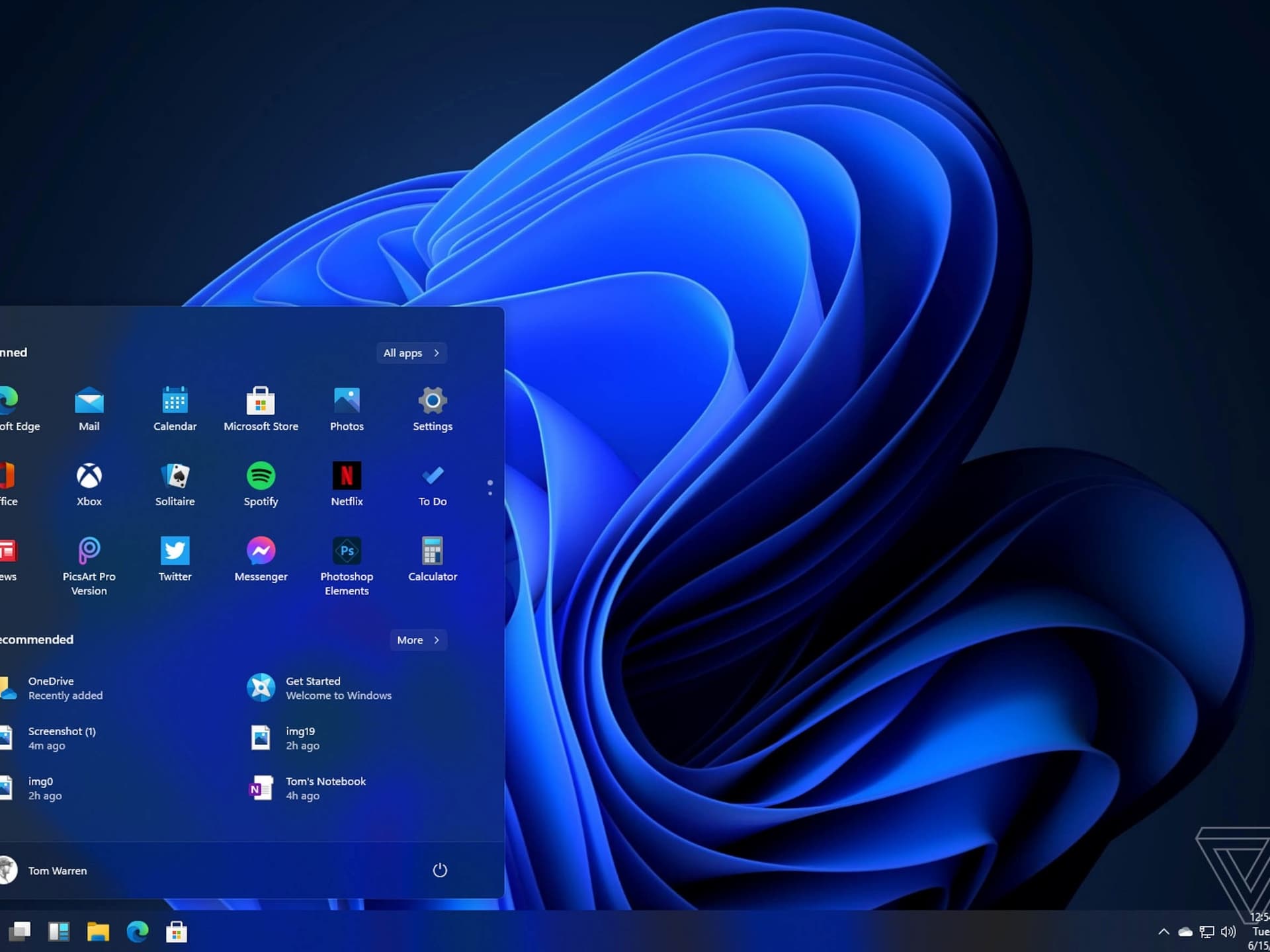
Windows 11: blamed for mouse stutter that resisted hardware swaps
Windows 11 received update KB5127648 on October 13, which fixes a bug responsible for mouse stutters. Microsoft acknowledged the problem.