
Google Ads details how Performance Max Page Feeds work


- Reading
- 5 min
- Tables
- 1
Updated documentation clarifies the Final URL expansion toggle and the use of custom labels, one of the few manual control points advertisers still have over the automated campaign.
Google Ads reorganized, this Wednesday (November 11), the documentation on Page Feeds in Performance Max. The change is not a new feature, but it clarifies one of the few real controls advertisers have over the automated campaign algorithm.
What exactly changed
This Wednesday (November 11, 2026), Google Ads updated the Page Feeds section within the Performance Max support documentation. It's not a new feature: it's a rewrite that makes clearer how the page feed relates to the Final URL expansion control, the piece that literally decides where the algorithm can send the paid click.
The change was spotted by Arpan Banerjee, who posted a comment about the makeover on LinkedIn, according to a report by Barry Schwartz on Search Engine Roundtable (the source for this story).
PMAX Page Feeds Just Got A Makeover
Arpan Banerjee, via LinkedIn
For those managing paid media budgets, this kind of documentation update matters more than it seems: Performance Max is notoriously a black box, and Page Feeds is one of the only points where advertisers still manually choose where the ad can land.
How the Final URL expansion toggle works
Google explains the mechanism directly in the updated documentation: everything depends on a single toggle, on or off, within the campaign settings.
| Setting | What happens | When to use |
|---|---|---|
| Final URL expansion on | PMax uses any site URL that Google has already indexed, including those in the page feed | Large catalogs, little manual curation, focus on reach |
| Final URL expansion off | PMax uses only the URLs registered in the page feed | Specific products/services, brand control, sensitive pages |
With the toggle on, the algorithm has the freedom to discover and use pages the advertiser never manually listed, which expands reach but also opens room for the ad to land on an irrelevant page, such as an "about us" page or an out-of-stock product. Off, control is total, but coverage is restricted to what's in the feed.
What Google recommends controlling with Page Feeds
The documentation lists three practical uses for when it's worth activating a dedicated page feed, according to the reported material:
- Precisely control which landing pages the ad uses, especially in catalogs with many products or services;
- Direct traffic to the exact page that matches both search intent and the ad itself;
- Exclude irrelevant or low-performing URLs, such as institutional pages or out-of-stock items.
This third point is the one that costs the most money when ignored: every paid click that lands on an out-of-stock product page or a generic landing page is media budget burned with no real chance of conversion.
Custom labels: the part that changes the game for large catalogs
The update also reinforces a detail that often goes unnoticed: the page feed is attached to the entire campaign, but custom labels allow URLs to be categorized by asset group within that same campaign.
In practice, this means a single Performance Max campaign can have a Black Friday asset group pointing only to discounted product pages, while another asset group in the same campaign keeps serving the regular catalog. Without custom labels, the feed turns into a single catch-all and the algorithm loses the reference of which URL matches which creative.
For those running seasonal campaigns in Brazil (Black Friday, Dia das Crianças, Brazil's Children's Day, regional clearance sales), this label-based segmentation is what prevents a themed campaign's budget from leaking into pages outside the scope of the promotion.
Checklist to apply this without burning budget
- Audit the current page feed: take down any URL with an out-of-stock product, discontinued page, or outdated content before reactivating the campaign;
- Decide the toggle by objective: greater reach calls for Final URL expansion on, brand control or a specific launch calls for it off;
- Separate catalogs by custom label when the campaign mixes different audiences or moments (e.g., recurring product vs. seasonal offer);
- Continuously track which page feed URLs are delivering the best results and adjust the strategy as needed, not just at initial setup;
- Cross-check this with the landing pages' Core Web Vitals: sending paid traffic to a slow page, even a correct one, still drags down conversion rate and raises CPA.
When NOT to turn off Final URL expansion
Turning off expansion seems like the safe choice, but it has a cost. Catalogs with thousands of SKUs and high inventory turnover depend on automatic URL discovery so new products aren't left offline while the feed hasn't yet been manually updated.
In short: the off toggle gives precision, but it shifts to the growth team the responsibility of keeping the feed always up to date. If the feed's update cadence is slower than that of the actual catalog, turning off expansion can create the same problem it tries to solve, just in reverse: an active ad pointing to a product that's already gone from the site.
The measurement angle missing from Google's documentation
The update reported by Search Engine Roundtable explains the mechanism, but it doesn't offer an impact measurement method, which is left to whoever manages the account. It's worth comparing CPA and conversion rate by asset group before and after any change to the toggle or to custom label segmentation, isolating the test period from promotional dates that would distort the result on their own.
It's also worth looking at the impact on generative AI search engines: well-defined product pages in the page feed, with consistent structured data, tend to be the same ones that show up as sources in AI summaries about that product. Controlling the Performance Max page feed, in this sense, isn't just a paid media decision: it's also structured data hygiene that serves organic discovery and GEO at the same time.
Source
Search Engine Roundtable, "Google Ads Performance Max Page Feeds Updated," by Barry Schwartz, November 11, 2026 (https://www.seroundtable.com/google-ads-performance-max-page-feeds-update-42503.html).
Translated from the Brazilian Portuguese original · Read the original
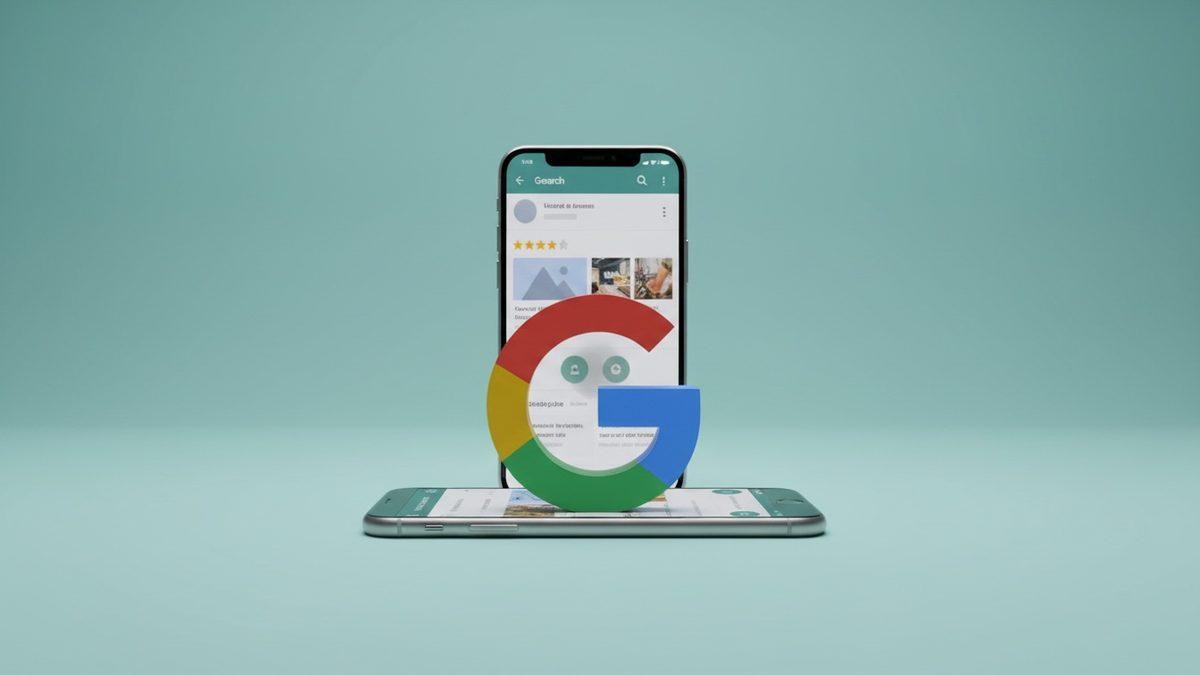
Google Tests AI Overview Without Action Buttons in Local Pack
In a test spotted over the past few days, the AI Overview version for local searches drops reviews, photos, hours, and the call and directions buttons. For anyone measuring local SEO ROI, this removes exactly the layer that turns visibility into action.