Prompt Engineering + Programming: How to Work with AI in Practice (With Integrated Python Code)
Prompt engineering isn't just about writing pretty sentences for AI. In practice, the prompt engineers who earn the most are the ones who know how to…


Prompt engineering isn't just about writing pretty sentences for AI.
In practice, the prompt engineers who earn the most are the ones who know how to integrate the power of natural language with the logic of programming. They build automations, applications, intelligent systems, and real workflows that solve problems, and charge well for it.
If you want to see what the day-to-day of a prompt engineer who also codes looks like, you've come to the right place.
In this article you'll understand:
✅ How to use Python to communicate with AI
✅ How to structure prompts for technical contexts
✅ How to integrate AI with APIs, databases, and real systems
✅ How to generate code, turn text into action, and build intelligent automations
Get your VSCode ready and come along.
1. The basics: how to use Python to communicate with OpenAI
First of all, the prompt engineer needs to integrate their application with OpenAI's model (e.g., GPT-4). With the official library, this is simple.
pip install openai

import openai

openai.api_key = 'SUA_CHAVE_AQUI'

def gerar_resposta(prompt):
    resposta = openai.ChatCompletion.create(
        model='gpt-4',
        messages=[
            {'role': 'system', 'content': 'Você é um especialista em código Python.'},
            {'role': 'user', 'content': prompt}
        ]
    )
    return resposta['choices'][0]['message']['content']
Now, any technical prompt can be sent, and the response used inside your code.
2. Generating real code with prompts
Imagine you need a script to read data from a CSV file and save it into an SQLite database. Instead of writing everything by hand, use a targeted prompt:
prompt = """
Gere um código Python que leia um arquivo CSV chamado 'dados.csv', trate os dados removendo linhas vazias,
e insira o conteúdo em uma tabela chamada 'usuarios' em um banco SQLite chamado 'meubanco.db'.
"""
print(gerar_resposta(prompt))
The result will be functional code that can be run, tested, and adapted.
This speeds up development and turns the programmer into a solutions architect.
3. Building custom programming assistants
You can go further and build a programming assistant that learns from your project. Just inject the right context:
def gerar_assistente(contexto_codigo, tarefa):
    return gerar_resposta(f"""
Você está ajudando a desenvolver um sistema. Aqui está o código existente:
{contexto_codigo}

Baseado nisso, {tarefa}
""")
Example usage:
codigo_existente = open('app.py').read()
tarefa = "crie uma nova função que calcula o total de vendas por cliente"
print(gerar_assistente(codigo_existente, tarefa))
The AI will understand the code and propose compatible additions.
4. Building a REST API with AI helping at every step
Imagine you want to generate a Flask API. You can iterate with the AI step by step:
etapas = [
    "crie um esqueleto básico de uma API REST com Flask",
    "adicione rota POST para cadastrar usuário (nome, email)",
    "adicione rota GET que lista todos os usuários (use SQLite)",
    "adicione autenticação por token na rota POST"
]

for etapa in etapas:
    print(gerar_resposta(etapa))
At each step, the AI gives you back a piece of code: you insert it into the project, test it, and continue.
You code guided by AI.
5. Prompt + Programming + Automation: A real case
Let's assume your client wants a system that:
- Receives text from the client
- Summarizes that text
- Saves the summary in a database
- Sends it by email
You can do all of this with Python + Prompt Engineering:
import sqlite3
import smtplib
from email.message import EmailMessage

def resumir_texto(texto):
    prompt = f"Resuma o texto abaixo em até 5 linhas, com linguagem clara e objetiva:\n\n{texto}"
    return gerar_resposta(prompt)

def salvar_resumo(no_banco, texto_original, resumo):
    conn = sqlite3.connect(no_banco)
    cursor = conn.cursor()
    cursor.execute('CREATE TABLE IF NOT EXISTS resumos (id INTEGER PRIMARY KEY, original TEXT, resumo TEXT)')
    cursor.execute('INSERT INTO resumos (original, resumo) VALUES (?, ?)', (texto_original, resumo))
    conn.commit()
    conn.close()

def enviar_email(resumo, para_email):
    msg = EmailMessage()
    msg.set_content(resumo)
    msg['Subject'] = 'Resumo Gerado com IA'
    msg['From'] = 'seuemail@exemplo.com'
    msg['To'] = para_email

    with smtplib.SMTP('smtp.exemplo.com', 587) as smtp:
        smtp.starttls()
        smtp.login('seuemail@exemplo.com', 'sua_senha')
        smtp.send_message(msg)
And the main flow:
texto = input("Cole o texto aqui:\n")
resumo = resumir_texto(texto)
salvar_resumo('resumos.db', texto, resumo)
enviar_email(resumo, 'cliente@exemplo.com')
print("Resumo enviado com sucesso!")
You've built a real productivity solution with AI.
6. You are not replaced by AI. You command the AI.
The prompt engineer with technical mastery is not a mere ChatGPT user.
They:
💡 Think like a strategist
💻 Code like a developer
🧠 Plan like a solutions architect
🔧 Use AI as a high-level tool, not as a lazy person's shortcut
Translated from the Brazilian Portuguese original · Read the original
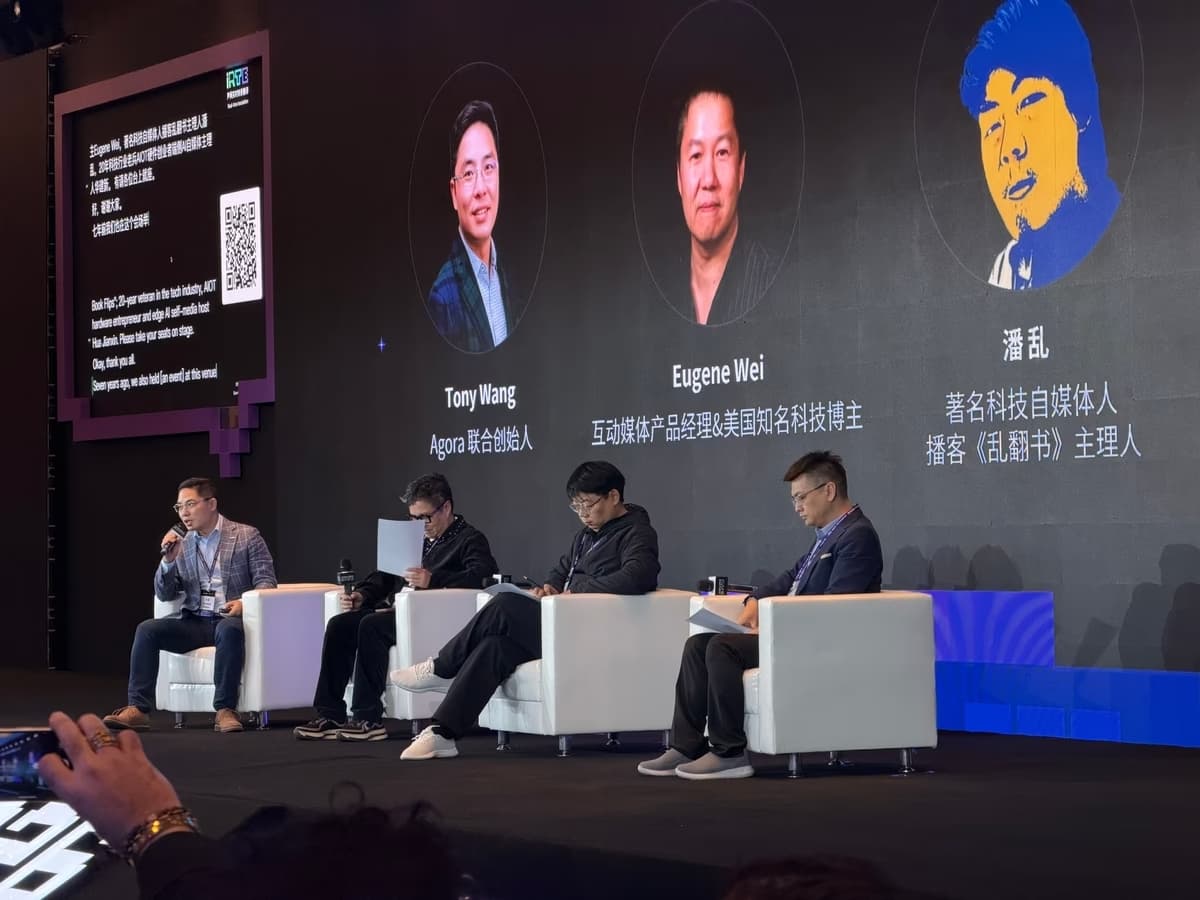
Agents, voice and social capital: what comes after AI that responds
From iRTE 2026, in Beijing, Rodrigo Terron examines how AI agents transform task execution and the value of human connections. The article covers social capital, conversational AI, autonomy and trust, as well as infrastructure and opportunities for Brazilian entrepreneurs.