
Figma Dev Mode MCP Server exposes variables and components for AI agents to write code

- Reading
- 5 min
Figma's official guide details how AI agents pull variables, components and layout data from a file to generate code, and also write back to the canvas. The promise is a faster handoff, but what the server exposes (and what it doesn't understand) decides whether this becomes a real gain or hidden design debt.
Figma has published an official guide detailing how the Dev Mode MCP Server works, the bridge that connects design files to AI agents via the Model Context Protocol (MCP), the open standard that lets tools like Claude Code, Cursor and VS Code query external data sources during a conversation. In practice, this means an AI agent running inside the code editor can open a Figma frame, read its structure and generate code from it, without anyone needing to export specs manually.
The angle that matters to product and engineering leaders isn't the promise of "AI that reads design." It's understanding exactly what the server exposes and where human judgment is still needed, because that's what separates a faster handoff from design debt that only surfaces weeks later, once the generated code is already in production.
What the server actually extracts
According to the documentation, the MCP server can pull four types of information from a Figma file: variables (color, spacing and typography tokens), components and their properties, layout data (auto layout, frame hierarchy), and content from FigJam or Make files, useful for bringing flows and architecture maps still at the idea stage into code.
The flow described by Figma is link-based, not whole-file-based: the designer right-clicks a frame, selects "Copy link to selection," pastes the link into the MCP client and asks it to implement that specific piece. The agent doesn't open the link like a browser, it extracts the node ID and uses that to query the server. It's a one-off extraction, not a continuous sync of the file.
In short: the server is only as good as the design system it's reading. If the file's variables are disorganized, with hardcoded colors outside the token palette or duplicated components with no reuse, the agent will generate code that faithfully reproduces that disorganization, just at scale and in text that looks production-ready.
Code Connect as a consistency layer
Figma recommends combining the MCP server with Code Connect, a feature that maps Figma components to the team's actual source-code components. According to the documentation itself, Code Connect improves output quality by reusing the team's real components, keeping the generated code consistent with the codebase, instead of recreating a button from scratch every time it finds a button in the design.
In practice, this difference is where invisible design debt is born, or isn't. An agent that ignores the codebase's real components risks producing visual variations nearly identical to the original but structurally disconnected from the design system, the kind of inconsistency that only shows up in an accessibility audit or QA review, months later.
Two ways to connect, with different seats
The guide describes two ways to run the server:
- Remote server, hosted at
mcp.figma.com/mcp, recommended by Figma itself for offering the broadest set of features, including writing to the canvas and live UI capture from web apps; - Desktop server, running locally via Figma's desktop app, aimed at the specific needs of organizations and enterprises, requiring a Dev or Full seat on the Professional, Education, Organization, Government or Enterprise plans.
Feature availability isn't uniform between the two. Writing back to the canvas, for example, requires the remote server and, outside the user's own draft files, requires a Full seat, not just Dev. It's a permission detail design teams need to map out before promising that "AI will keep Figma updated on its own."
Writing to the canvas: the newest power is the riskiest
The ability for an agent to create and modify frames, components, variables and auto layout directly in the Figma file is treated by the documentation itself as a beta feature, free for now and intended to become a pay-per-use feature later. Figma recommends installing "skills," instruction packages that help the agent follow the correct workflow when writing to the canvas, precisely because automated writing in a shared design file is a higher-risk operation than reading.
For anyone who advocates evidence-based decision-making, this is the real point of attention. An agent that reads a frame and suggests code can be reviewed line by line before it enters the repository. An agent that writes back to Figma changes the source of truth that other people on the team will consult later, and not every change made by an agent goes through a review as rigorous as a pull request.
Figma Specs: context beyond the visual component
The guide also introduces the figma-spec skill, still in open beta, which lets the agent read, create and update the team's requirements specs before starting to implement something, and write decisions and findings made during the work back into the spec itself. The idea is to reduce the distance between the requirements document and what was actually built, a classic handoff problem that usually gets lost between meetings and scattered messages.
This brings the MCP server closer to a role that goes beyond "code generator from design": it becomes an intermediary that also holds product context. It's worth noting that writing to a spec via figma-spec requires the remote server and edit access to the file, the same permission restrictions that apply to writing to the canvas.
What the server doesn't solve on its own
Nothing in Figma's guide mentions extracting accessibility semantics, such as reading order, ARIA roles or contrast calculated in the component's actual context. What the MCP server exposes is visual and layout structure, design variables and frame hierarchy, not semantic intent. This means the code generated from that information still depends on human review to ensure the result is keyboard-navigable and understandable by screen readers, exactly like any other auto-generated code.
For teams evaluating whether to adopt the MCP server, the list of compatible clients is extensive, including Claude Code, Cursor, VS Code, Amazon Q and others listed in Figma's official catalog, but support for features like writing to the canvas varies by client. Before promising a handoff speed gain, it's worth checking the catalog to see exactly which feature the team's client supports, because the gap between "connects to MCP" and "writes to the canvas safely" is still large.
Source: Official Figma guide, Dev Mode MCP Server (https://help.figma.com/hc/en-us/articles/32132100833559-Guide-to-the-Dev-Mode-MCP-Server)
Translated from the Brazilian Portuguese original · Read the original
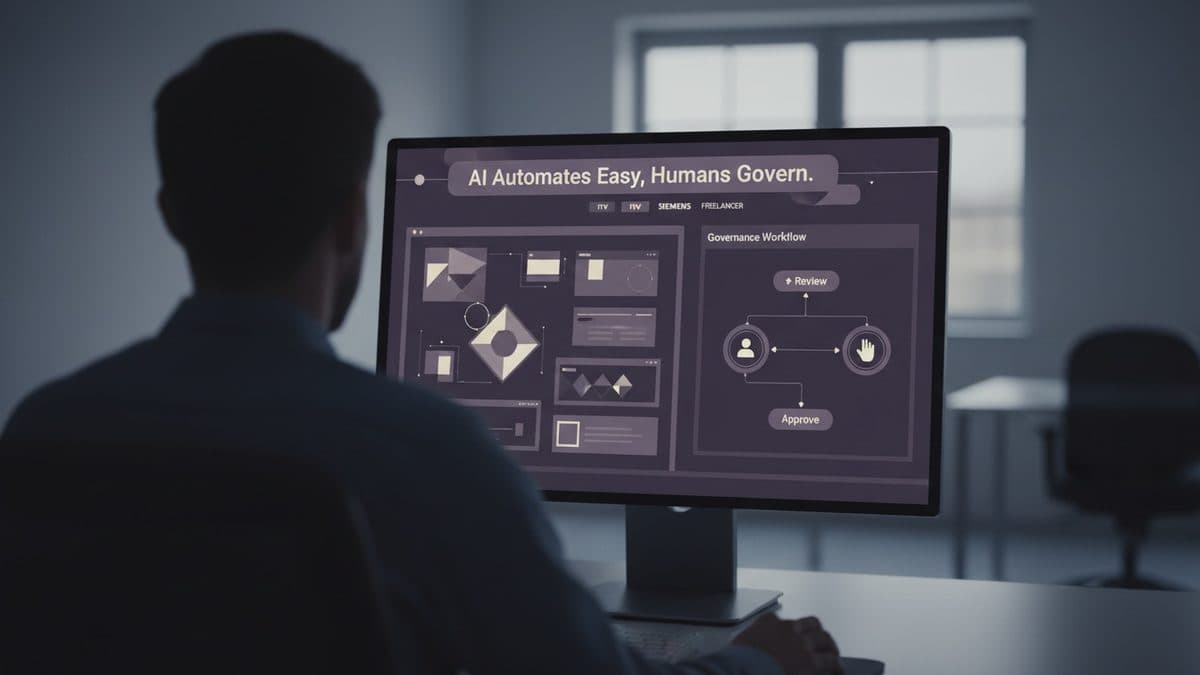
AI Automates the Easy Part of Design Systems, But Governance Remains Human
Three design leaders (ITV, Siemens, and a freelancer specialized in Design Ops) explain what AI actually changed in the design systems they maintain. The bottleneck didn't disappear: it just moved.