Figma Dev Mode MCP Server lets code agents read design straight from the file

- Reading
- 4 min
- Tables
- 1
Figma's MCP Server connects Copilot, Cursor, Claude Code, and other agents directly to design files, pulling variables, components, and specs without the manual step of inspecting and copying values. The speed gain comes with a question the product team needs to answer before turning the feature on: who reviews what the agent reads and what it writes back.
The Problem the MCP Server Tries to Solve
The classic friction between design and engineering has a dull name: handoff. The designer finishes the frame, opens Dev Mode, copies spacing, color, and typography values one by one, and hopes the developer won't come back with a question about a token that changed the day before. This process works, but it's manual, slow, and prone to divergence between what's in Figma and what becomes code.
The Dev Mode MCP Server, documented in Figma's Help Center, tackles this specific point. It exposes Figma files as a context source for AI agents via Model Context Protocol, the standard that lets tools like Copilot, Cursor, and Claude Code query external data during a conversation. In practice, the agent stops guessing design values and starts reading them straight from the file.
Two Ways to Connect, With Different Seats
Figma's documentation describes two ways to connect the server, with different plan requirements:
| Mode | How it runs | Plan/seat requirement | Scope |
|---|---|---|---|
| Remote (recommended) | Endpoint hosted at mcp.figma.com/mcp, no need for the desktop app | Starter, Professional, Education, Organization, Government, or Enterprise | Broader set of features, including canvas writing |
| Desktop | Runs locally through Figma's desktop app | Dev or Full seat on Professional, Education, Organization, Government, or Enterprise | Aimed at specific organization/enterprise needs; Figma for Government only supports this mode |
The list of compatible clients already includes VS Code, Cursor, Claude Code (via plugin), Claude Desktop (via connector), Copilot CLI, Codex by OpenAI (with Codex Skills), Gemini CLI (as an extension), Android Studio, JetBrains (Junie), Replit, Warp, and Xcode in beta, among others. The full, up-to-date list lives in Figma's MCP catalog, since new clients get added frequently.
How the Agent Reads the File Without Manual Export
The context-extraction flow is link-based, not export-based. The developer right-clicks the frame or layer inside Figma Design, chooses Copy link to selection, and pastes that link into the conversation with the agent.
The MCP client doesn't open the link the way a browser would. It extracts the node ID the server uses to identify exactly which object to fetch, and from there retrieves variables, components, layout data, and, if it exists, the Code Connect mapping for that component. It's this last point that separates an AI-generated prototype from a genuinely reused component: without Code Connect set up, the agent tends to recreate the structure from scratch, ignoring the real component that already exists in the code.
Specs, FigJam, and Make Also Come In as Context
Beyond design frames, the server can pull in other types of artifact that normally stay off the radar of anyone who only looks at finished screens:
- Figma Specs (via the
figma-specskill, in open beta): the agent reads requirements before starting implementation and can write decisions and findings back into the spec itself, as long as it has edit access to the file and is using the remote server. - FigJam files: diagrams, flows, and architecture maps made during the ideation phase come in as code context, carrying the team's early conversation into implementation.
- Make files: prototype files in Make become context for the agent, helping the transition from prototype to production.
In short: the MCP Server isn't limited to reading pixels and tokens. It tries to bring into the code editor the reasoning that normally stays scattered across requirements documents, brainstorming boards, and design files, which reduces context loss between these stages.
Writing Back to the Canvas: The Feature That Inverts Handoff
The most disruptive part of the announcement isn't the agent reading Figma, it's the agent writing to it. With the right combination of skills, the agent can create and modify frames, components, variables, and auto layout directly in the file, using the existing design system as the source of truth.
This writing feature requires the remote server and a Full seat to write outside the user's personal drafts. According to the documentation, it's free during the beta period and will eventually become a pay-per-use feature. It's a clear sign that Figma treats canvas writing as a product in its own right, not as a bonus on top of the read server.
There's also the opposite direction: capturing a live app UI (in production, staging, or localhost) and turning it into editable design layers in Figma. The flow has the agent open a local server, use a capture bar to select pages and elements, and deliver a link to the generated file. This feature requires the remote server and is only supported by select clients.
Where This Breaks the Traditional Handoff Flow
The speed gain comes at a governance cost, and that's exactly where the product and design team needs to pay attention before rolling out access:
- Design review becomes code review too. If an agent writes components back to the canvas, the visual QA process that today lives in Figma starts competing with pull request review, and no one has defined yet who approves what first.
- Code Connect stops being optional. Without it, the agent ignores the real design system component and generates a parallel version that looks fine at a glance but subtly diverges from the current standard.
- Agent-editable specs change requirement authorship. If the agent writes decisions back into the spec during implementation, the line between
Translated from the Brazilian Portuguese original · Read the original
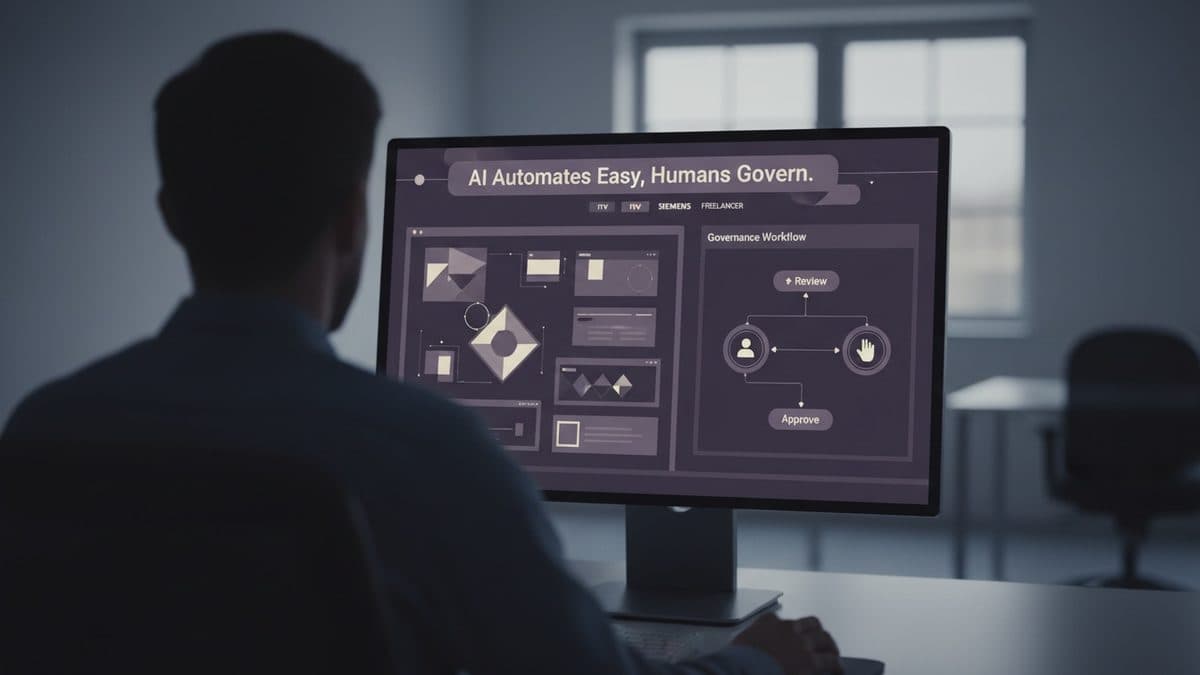
AI Automates the Easy Part of Design Systems, But Governance Remains Human
Three design leaders (ITV, Siemens, and a freelancer specialized in Design Ops) explain what AI actually changed in the design systems they maintain. The bottleneck didn't disappear: it just moved.