Como usar o Blender com agentes de código no macOS para automação criativa
Simon Willison mostra que os modelos atuais ficaram bons em dirigir o Blender via Python. Montei o caminho completo pra rodar isso localmente no Mac, sem depender de API de geração de imagem.

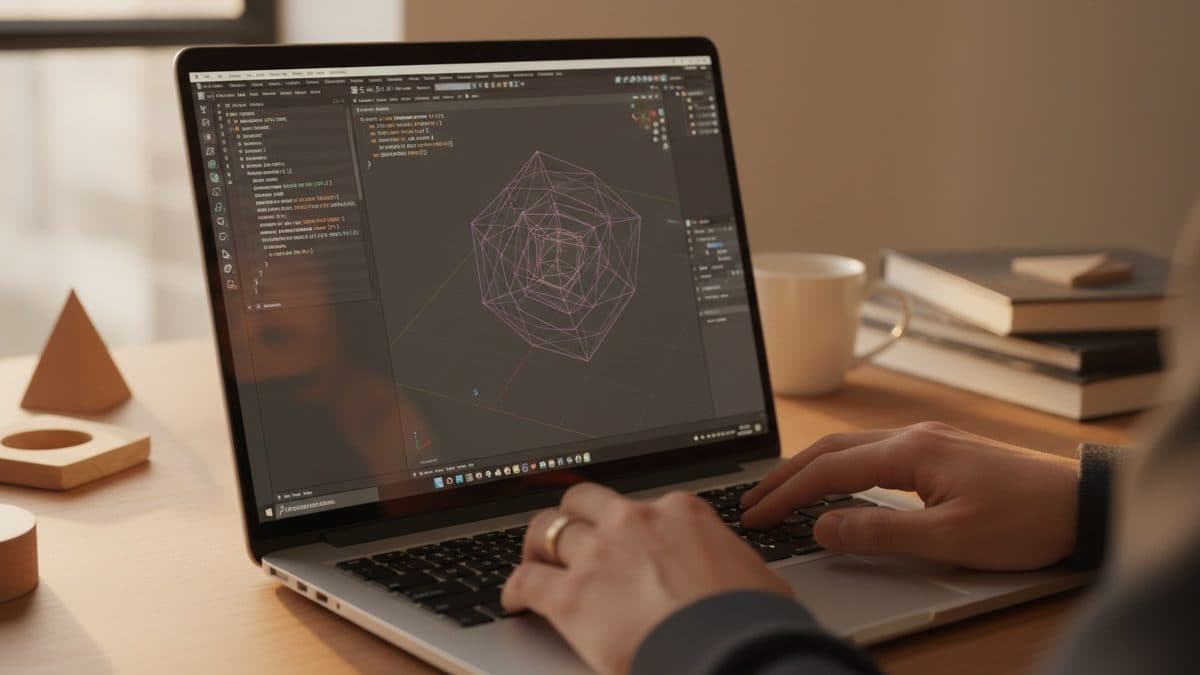
Simon Willison published a short TIL that's worth unpacking: today's frontier models have gotten very good at operating Blender. We're not talking about generating an image through diffusion, but about the agent writing Python code that actually controls Blender, producing editable .blend files and rendering images (and even videos, by combining frames with ffmpeg).
The difference matters for those who build things. Diffusion gives you a pretty, opaque pixel. An agent driving Blender gives you geometry, materials, camera, and light as versionable code: something you open, adjust, and regenerate. It's creative automation that runs on your own machine, without calling an image generation API and without sending anything to the cloud beyond the prompts you'd already send the agent.
Willison recounts his experience with ChatGPT Codex on the Mac. I reproduced the path here to show the details the post doesn't cover: where the agent finds Blender's Python, how to verify it worked, and what usually gets stuck.
What you need before you start
- macOS with the full Blender app installed from blender.org. The point is to use the Blender build that already ships with an embedded Python interpreter, not to install
bpyvia pip. - A coding agent running locally: ChatGPT Codex (Willison's case), Claude Code, or similar, with permission to run shell commands.
ffmpegon the PATH, only if you're going to render a frame sequence into a video (brew install ffmpeg).
Blender lives at /Applications/Blender.app. The Python binary that matters is inside the bundle, something like /Applications/Blender.app/Contents/Resources/4.2/python/bin/python3.11 (the version number changes with the release). But you almost never need to call it directly: Blender runs scripts in headless mode.
The minimal prompt that works
Willison shows that it's enough to point the agent at the installed app. His prompt was literally:
Use the already install /Applications/Blender to render a scene of a pelican riding a bicycle
Simon Willison
What the agent does under the hood is generate a Python script and invoke Blender in the background. The command pattern is this:
/Applications/Blender.app/Contents/MacOS/Blender \
  --background \
  --python cena.py
The --background flag (or -b) runs without opening the graphical interface, which is essential for an automated agent. The --python flag runs the script the model wrote.
What the script the agent generates looks like
To make this concrete, here's the kind of code the model produces using the bpy API. A minimal skeleton that clears the scene, creates an object, positions the camera and light, and renders:
import bpy

# clear the default scene
bpy.ops.object.select_all(action='SELECT')
bpy.ops.object.delete(use_global=False)

# a simple object
bpy.ops.mesh.primitive_uv_sphere_add(location=(0, 0, 0))

# camera
bpy.ops.object.camera_add(location=(6, -6, 4),
                          rotation=(1.1, 0, 0.78))
bpy.context.scene.camera = bpy.context.object

# light
bpy.ops.object.light_add(type='SUN', location=(4, -4, 8))

# output
scene = bpy.context.scene
scene.render.engine = 'CYCLES'
scene.render.filepath = '/tmp/render.png'
scene.render.image_settings.file_format = 'PNG'

bpy.ops.render.render(write_still=True)
When you ask for something like "a pelican riding a bicycle," the agent assembles dozens of calls like these: combined primitives, modifiers, materials with shader nodes. And here's the real gain: the result is .blend + script. Willison refined it iteratively, with prompts like OK add a background and a lot of flair and then OK make it a whole lot better. Each round is the model rewriting the code, not repainting pixels.
Verifying that it worked
After rendering, check the exit code and the output file:
echo $?          # 0 = rendered without error
ls -la /tmp/render.png
open /tmp/render.png
If you want the .blend to open in Blender and edit by hand, ask the agent to save it with bpy.ops.wm.save_as_mainfile(filepath='/tmp/cena.blend') before rendering. It's this artifact that turns the exercise into something productive: you inherit a structured scene, not a final image.
Rendering video with ffmpeg
For animation, the recipe Willison cites is to render a sequence of frames and join them with ffmpeg. In the script, set the range and a path with a numeric pattern:
scene.frame_start = 1
scene.frame_end = 60
scene.render.filepath = '/tmp/frames/frame_'
bpy.ops.render.render(animation=True)
Then:
ffmpeg -framerate 24 -i /tmp/frames/frame_%04d.png \
  -c:v libx264 -pix_fmt yuv420p /tmp/saida.mp4
This is the point where ffmpeg really needs to be installed, and it's worth checking the %04d pattern against the names Blender actually wrote (frame_0001.png), because a mismatch here is the number one cause of "ffmpeg couldn't find the frames."
Where this usually breaks
Some predictable stumbles in this flow, so you don't waste time:
| Symptom | Likely cause | Fix |
|---|---|---|
Blender: command not found | agent used the wrong path | point it to /Applications/Blender.app/Contents/MacOS/Blender |
| Empty or black render | no active camera or no light | make sure scene.camera is set and there's at least one light |
| Render too slow | Cycles on CPU | switch to EEVEE as the engine for fast iterations |
ffmpeg can't find frames | %04d pattern differs from the actual names | check the names in /tmp/frames/ |
| Agent has no shell permission | Codex/Claude sandbox | allow command execution for the project directory |
The practical bottleneck is render time with Cycles on CPU. To iterate prompt by prompt, let the agent use EEVEE (a real-time rasterizer) and only switch to CYCLES for the final render once the composition is locked in.
What this changes for those building in Brazil
The takeaway from Willison's experiment is that the barrier to 3D automation has dropped a level. You no longer need to know the bpy API by heart: you describe the scene in natural language and the agent writes the code. Since everything runs locally, the only recurring cost is the agent's tokens, not an image generation API charging per render.
For teams already using Blender in a pipeline (motion graphics, product visualization, game assets), this opens the door to scripts generated and adjusted through prompts, versioned in the same repository as the rest of the project. And since the artifact is code + .blend, an artist stays in control: opens it, fixes it, regenerates it. It's the opposite of diffusion's black box.
What remains open is how far the agent goes with truly complex scenes, with rigging, physics, and elaborate materials. The pelican case is a stress test, not a production pipeline. But as a cheap starting point, it runs on your Mac today.
Translated from the Brazilian Portuguese original · Read the original
MCP servers in production need to migrate to OAuth Resource Servers under the June 2025 spec
Anyone still using a static API key risks becoming incompatible with MCP clients that already follow the 2025-06-18 revision of the specification.