

Janas roda modelos de IA maiores que a RAM, direto do SSD
O projeto Janas-LLM transmite os experts de modelos MoE do SSD para a memória sob demanda e afirma superar o llama.cpp em velocidade em todos os 13 modelos testados.


The bottleneck: a model larger than the laptop's memory
Running a language model locally has always run into the same math: the weights file needs to fit in memory (RAM or VRAM) for the model to respond at a usable speed. A model like Qwen3-Next-80B-A3B weighs 48.4 GB at the quantization used in the tests. On a laptop with 32 GB of RAM, that simply doesn't fit, and the traditional way out is to let the operating system page to disk, which historically drags speed down to almost nothing.
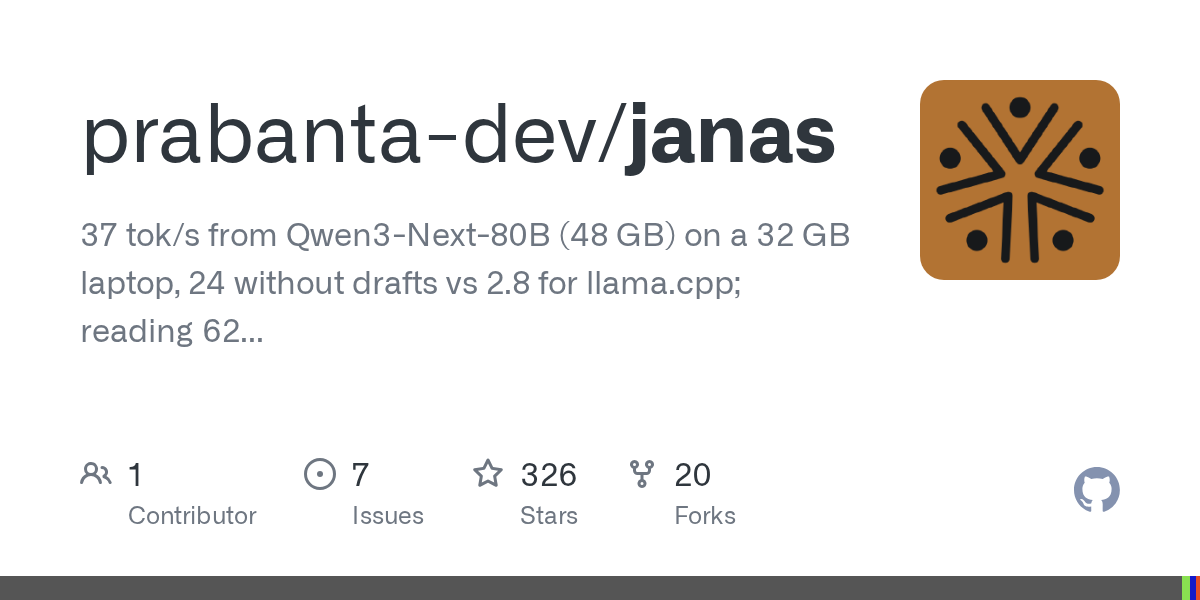
Janas, a project published on GitHub by Maurizio "camauri" Cammalleri, attacks this problem in a specific way: instead of trying to fit the entire model in RAM, it assumes space will be short and organizes disk access around that. The family's first component, Janas-LLM, is described in the repository itself running that 80-billion-parameter model on a 32 GB laptop, responding at 37 tokens per second.
Weights on disk, cache in memory: how it works
The central piece is the fact that the models mentioned are MoE (mixture-of-experts): for every token generated, only a fraction of the model's internal "experts" is actually used, not the entire network. Janas-LLM exploits this literally: the weights stay on the SSD, the experts the current token needs are read from disk (via O_DIRECT, a direct read that bypasses the system's page cache), and the ones called frequently again are kept in a dedicated memory area.
In practice, this means model size stops being limited by RAM and starts depending on SSD speed. The project's reference machine has an NVMe drive that reads at about 5.7 GB/s, and all the numbers below were measured on it (Debian 13, kernel 6.12.107, Intel Core Ultra 9 185H with integrated Arc GPU, 32 GB of DDR5). On a different machine, with a different disk, the numbers change, and the project is explicit about that.
The numbers: Janas-LLM versus llama.cpp
The repository publishes a direct comparison with llama.cpp (build from September 18, 2026, Vulkan backend, same integrated GPU), measured between October 9 and 12, 2026, across four of the thirteen models compared:
| Model | Size | Read (Janas) | Read (llama.cpp) | Write (Janas) | Write (llama.cpp) |
|---|---|---|---|---|---|
| Qwen3-Next-80B-A3B | 48.4 GB | 62 tok/s | 16 tok/s | 37 tok/s (24 without drafts) | 2.8 tok/s |
| Qwen3-Coder-Next | 48.4 GB | 66 tok/s | 14 tok/s | 22 tok/s | 2.2 tok/s |
| Qwen3.6-35B-A3B | 22.3 GB | 104 tok/s | 79 tok/s | 19 tok/s | 12 tok/s |
| Qwen3-30B-A3B | 18.6 GB | 135 tok/s | 122 tok/s | 32 tok/s | 15 tok/s |
The Qwen3-Next-80B-A3B case is the most revealing: with the file larger than the machine's memory, llama.cpp in its normal configuration simply doesn't run (it runs out of memory as soon as the GPU comes into play, even leaving experts on the CPU). To produce any comparison number at all, the project had to run llama.cpp in a build without weight repacking (GGML_CPU_REPACK=OFF) and with the flags --no-host 1 -lm mmap, which leave the experts in the file, read through the system's page cache. Even so, llama.cpp wrote at 2.8 tokens per second against Janas-LLM's 37.
Beyond chat: completing code in the editor
For anyone thinking about using this in day-to-day development, the project includes janas-server, which exposes the model through an API compatible with OpenAI's and also implements the /infill endpoint from llama.cpp, the same one the llama.vscode extension consumes. The idea is to run a code model like Qwen3-Coder-30B-A3B locally and have autocomplete in VSCodium or VS Code without depending on a cloud service.
The project's technical document records 1.5 to 2.2 seconds per suggestion on the reference machine, with a specific optimization: the context window sent on every keystroke is kept fixed, so a single keystroke only forces a reread of what changed. When the window slides by a whole line, the reread time jumps to 17 seconds, which gives an idea of how much the cache engineering weighs on the final result.
This is experimental, and the author warns about it
Janas's README opens with a warning worth repeating, because it changes how the numbers above should be read:
This is an experiment, not a product.
Maurizio Cammalleri, author of Janas
The project details what that means in practice: the public API and the command line change without notice (they've already changed several times a week), the engine is deliberately aggressive with the machine (it fills free memory with the expert cache and reads the disk at maximum speed), and on a machine with less headroom than it calculates, the desktop can be pushed into swap and freeze. One use of the GPU already caused, on one occasion, a driver reset that took down the entire graphical session.
There are documented escape hatches: Ctrl-C interrupts a response, Ctrl-D exits the chat, the --cache <GiB> flag imposes a hard memory limit, and the JANAS_GPU=0 variable takes the GPU out of the picture entirely. The project also notes that testing on an idle machine matters: with a browser and an editor open, the same model kept about three quarters of its speed but waited five times longer on the disk.
What's still unproven
Everything documented was measured on a single machine: the laptop with Core Ultra 9 185H, integrated Arc GPU, and a 5.7 GB/s NVMe SSD. The project itself states it has never been tested on other CPUs (especially without the AVX-VNNI extension, or on AMD processors), on dedicated GPUs, on slower disks, or with more or less memory available. For anyone running on different hardware, the report generated by janas-bench is, in the project's own words, the most useful contribution one can send back.
For anyone wanting to try it, the Linux x86-64 binary is up and running in three commands:
curl -LO https://github.com/prabanta-dev/janas/releases/latest/download/janas-linux-x86_64.tar.gz
tar xf janas-linux-x86_64.tar.gz && cd janas
./janas-chat
There's also a build for Windows 10 (1903 or later) and Windows 11, x86-64, tested on the same laptop under Intel's own graphics driver, with write performance equivalent to Linux and up to 1.8 times faster prompt reading for dense models. The code is GNU GPL v3 or later, written in pure C with no dependencies beyond the standard library, which makes it easy to embed in other projects, but is also a reminder that there's no company or support behind it: it's one developer's experiment, published and maintained in public.
Translated from the Brazilian Portuguese original · Read the original
Character.AI Files for Chapter 11 Bankruptcy in the United States
Character.AI, one of the most talked-about startups of the character chatbot boom, has filed for bankruptcy protection (Chapter 11) in the United States to facilitate a court-supervised sale, with completion expected by December 2026.

