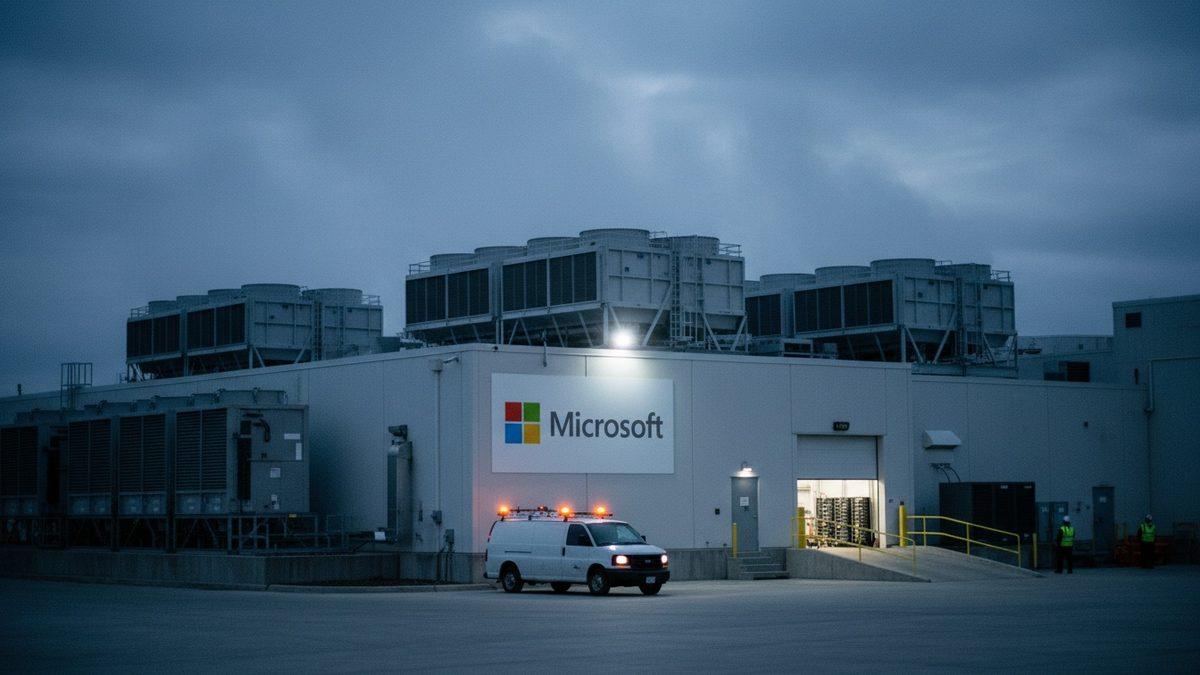
Microsoft outage leaves Outlook, Teams and Copilot unstable in more than 70 countries


- Reading
- 4 min
The outage that began on Thursday, November 12, hit Outlook, Teams, Copilot and Microsoft 365 in dozens of countries; Microsoft says it was an infrastructure overload, not an attack, but gave no timeline for full normalization.
What happened, and when
On Thursday, November 12, 2026, essential Microsoft services began showing instability or went down entirely: Outlook (email), Teams (messaging and video calls), Microsoft 365 (formerly Office) and the Copilot AI assistant. The problem, initially localized in the Americas, spread to Europe and Asia in the following hours, according to a report by Meio & Mensagem, a Brazilian marketing and media outlet.
On Friday morning, the 13th, more than 12 hours after the outage began, more than 70 countries were still registering some degree of impact. Outlook resumed sending and displaying emails, including messages backed up in the queue, but Microsoft classified the service as "unstable," without giving a timeline for full normalization. As of the last update available in the material used for this report, there was no confirmation that the incident had been fully resolved (iMasters later reported, in a follow-up story, that services were restored after about two days of instability).
The official diagnosis: overload, not an attack
Still on Thursday, Microsoft publicly ruled out that the outage was the result of an attack or malicious activity. The company attributed the problem to "elevated load" on its infrastructure, spread across different regions, according to the company's own statement.
On Friday, Microsoft updated the status with the following text:
We are observing improvements in key scenarios, including mailbox access and processing of delayed emails, though some intermittent issues may continue. Our focus is to extend these recovery actions across the remaining affected infrastructure, while we continue stabilization and add capacity to improve consistency.
Microsoft, official status update
"Elevated load" is a category of cause very different from an attack: it points to a capacity limit (routing, authentication, load balancing) being exceeded in some shared component of Microsoft's cloud, not to the exploitation of a vulnerability. It's the type of failure that tends to cascade across services that depend on the same infrastructure layer, exactly the pattern observed here: Outlook, Teams, Microsoft 365 and Copilot going down almost together.
Why this matters for those who build and operate software
For those who develop or maintain corporate infrastructure in Brazil, this type of incident exposes a dependency that normally stays invisible until it breaks. Three concrete areas were affected:
- Authentication and identity: environments using Azure AD / Entra ID tied to the same ecosystem may have suffered side effects in corporate login flows, even in applications that aren't from Microsoft.
- API integrations: teams that consume the Microsoft Graph API (to read emails, calendar, SharePoint/OneDrive files or Teams data) tend to receive cascading 5xx errors or timeouts, not just an interface failure.
- Automation and bots: workflows that trigger notifications in Teams via webhook, or that use Copilot embedded in productivity pipelines, are left without a reliable response, requiring error handling and reprocessing.
Product teams that use Teams as their only communication channel and Outlook as their only operational alert channel (e.g., production incident notifications) were, in practice, left without their own incident response channel during the instability window, a classic recursive problem of single-vendor dependency.
How to reduce risk while the incident is ongoing
There's no way for an engineering team to "fix" a Microsoft infrastructure failure, but there are practices that limit the damage when this type of event happens:
- Implement retry with exponential backoff in any integration with the Microsoft Graph API or Outlook/Exchange, instead of failing outright on the first attempt.
- Keep an incident communication channel that doesn't depend on the same provider as the critical application (a WhatsApp group, Slack or SMS as a backup plan for operational alerts).
- Separate critical authentication from convenience authentication: production systems shouldn't lock up entirely just because corporate SSO is unstable.
- Monitor Microsoft's service status page (Service Health in the Microsoft 365 admin portal) as the official source, instead of relying only on social media to confirm the scope of the problem.
- Record the downtime: corporate contracts with SLAs usually provide for service credits in prolonged incidents, and documenting the start and end times helps claim that later.
In short: the technical lesson isn't to switch providers overnight, it's not to put all critical channels (authentication, communication, alerting) in the same infrastructure basket.
What remains open
Microsoft restored Outlook, Teams and Copilot services after about two days of instability, according to iMasters' own later coverage. Even so, the company has not disclosed, as far as is known, a detailed root cause (which specific component suffered the overload) nor a public post-incident report (post-mortem), a practice common among major cloud providers after failures of this scale. There is also no confirmation, in the material available, of the exact time at which all services returned to full normal operation in all affected regions.
For teams that depend heavily on the Microsoft 365 ecosystem, it's worth watching whether the company will publish a more detailed technical report, something that would help assess whether the incident exposes a structural single point of failure in Microsoft's architecture or whether it was an isolated capacity event.
Translated from the Brazilian Portuguese original · Read the original

PyPI redesigns project pages to expose security signals for each package
The official Python package repository completed, in November, the overhaul announced in July: a dedicated security tab shows provenance, attestations, and warnings of possible compromise for each release.