Researcher finds bypass for Android's clipboard read warning, and Google won't fix it


- Reading
- 5 min
Researcher finds bypass for Android's clipboard read warning, and Google won't fix it
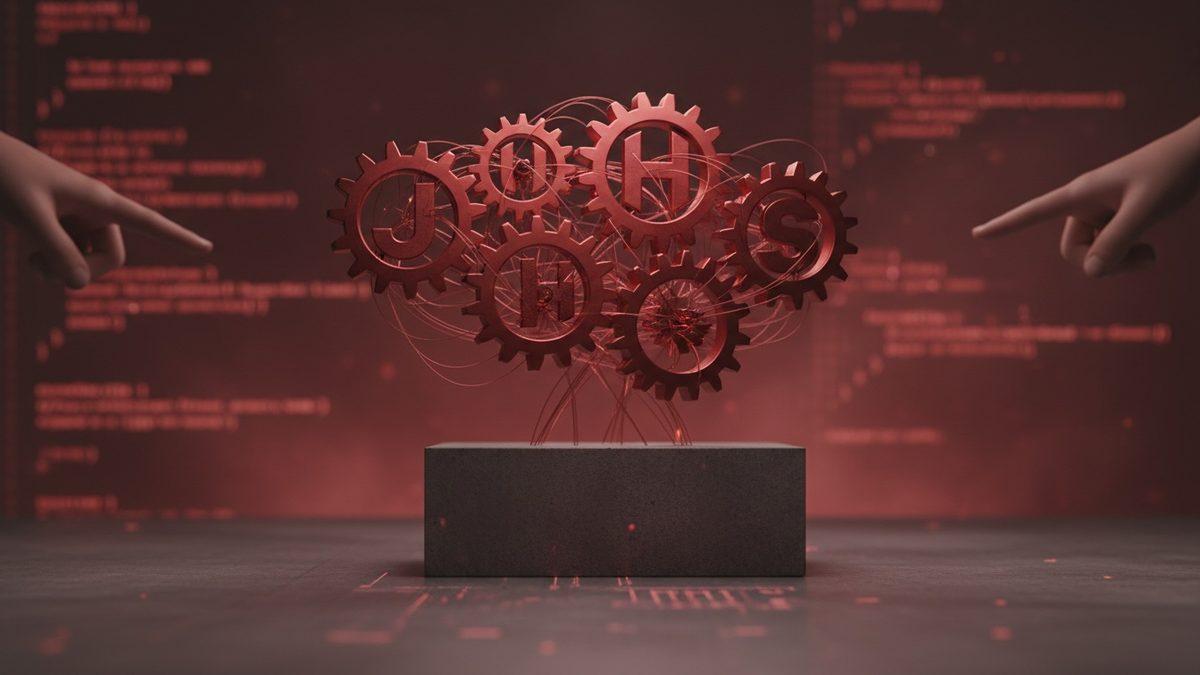
A researcher showed how a malicious app can hide the warning Android displays when reading the clipboard, and Google classified the flaw as not a priority.
The warning that should appear, but doesn't
Since Android 12 (API 31), every time an app accesses the contents of the clipboard, the system shows a toast warning the user. It's the defense Android has against apps that keep an eye on what you copy, such as passwords, authentication codes or tokens.
Security researcher Toni Noble found a way to bypass this warning and published the details in a post on his own blog, dated November 9, 2026. According to him, the text was originally written at the end of July 2026, but publication was held back while the Android security team evaluated the report.
The response came as "Won't Fix" for a CVE classified as moderate severity. That's what cleared the way for publication:
Since I have received update that this CVE of Moderate severity is now a Won't Fix I am disclosing the details publicly.
Toni Noble, security researcher and author of the post
How the bypass works
Android already has layers of protection around the clipboard. Since Android 10, apps can't access the clipboard in the background. Apps that want to capture the screen also need explicit permission every time, except when they're signed with the same key as the operating system (the case of apps pre-installed by the manufacturer). And since Android 12, any read by a foreground app triggers the warning toast.
Noble tested whether it was possible to hide this specific toast without blocking the clipboard read itself. He built a simple test app that reads the clipboard and then quickly fires two of its own toasts, created by the malicious app's own developer.
Since Android only shows one toast at a time on screen, the two fake toasts push the system's warning toast out of the visible queue, replacing it before the user has a chance to read what it says. In practice, the app reads the copied password or code, and the user sees two generic notifications instead of the security alert. Noble himself recorded the behavior in a gif.
The text warning isn't the only gap
Android's official documentation on Secure Clipboard Handling already acknowledges that sensitive copied data can leak, but points to another tool: the ClipDescription.EXTRA_IS_SENSITIVE flag (or android.content.extra.IS_SENSITIVE).
Additionally, in order to protect PII (Personal Identifiable Information), Android supports the ClipDescription.EXTRA_IS_SENSITIVE or android.content.extra.IS_SENSITIVE special flag. This allows developers to visually obfuscate the clipboard content preview within the keyboard GUI, preventing copied data from being visually shown in clear-text and potentially stolen by malicious applications.
Official Android documentation, Google
The blind spot is that this flag only hides the visual preview on the keyboard, designed to prevent shoulder surfing or screen capture. It doesn't stop another app from reading the copied value via code. Authenticator, Google's own MFA app, uses this flag when a code is copied: nobody sees the secret by looking over someone's shoulder, but the value remains accessible to any app that reads the clipboard in the foreground, including one that hides the warning toast using Noble's technique.
The request for granular permission that went nowhere
For Noble, a toast that disappears on its own within seconds isn't enough protection for a potentially sensitive operation. That's why he opened a feature request on Google's IssueTracker asking for per-app control over clipboard access, following the same permission model that already exists for Location or Notifications.
Today the model is all or nothing: the app can either read the clipboard in the foreground (with a toast) or it can't read anything. A granular permission, as suggested, would let the user decide case by case which apps can access the clipboard, revoking access for apps that have no legitimate reason to read what was copied.
The toast bypass report was handled separately as a CVE and received the Won't Fix status. The published material contains no response from Google about the granular permission request itself.
What changes for Android developers
For those building Android apps, the practical lesson is not to wait for the operating system to fix this. Three concrete points:
- If the app copies sensitive data (passwords, tokens, API keys, MFA secrets), using
ClipDescription.EXTRA_IS_SENSITIVEhelps against shoulder surfing and screen captures, but not against another app reading the value in code. - For one-time secrets, the ideal approach is to avoid keeping the value on the system clipboard longer than necessary, clearing the clipboard programmatically right after the expected use.
- For apps that legitimately read the clipboard (password managers, QR code readers, autofill), it's worth documenting and making clear to the user why the read happens, since the system toast may not be reliable as the only signal of transparency.
Noble says he arrived at the finding by chance: he was working in Android Studio on a fork of the Meshtastic Android app to try to fix a notification timestamp bug, and ended up testing whether it was possible to manipulate the toast system itself. The episode is a reminder that protections based on ephemeral notifications, by default, compete for screen space with any app capable of firing its own, and can be suppressed by anyone who knows how the toast queue works.
With the CVE marked as Won't Fix, the real defense for Android developers and users continues to depend on each app's good practices, not on a guarantee from the operating system.
Translated from the Brazilian Portuguese original · Read the original
Global Microsoft outage takes down Outlook, Teams, and Copilot for nearly 18 hours
An unexplained failure in Microsoft's servers took Outlook, Teams, Copilot, Defender, and Intune offline around the world. For leaders of companies that live inside the Microsoft 365 ecosystem, the episode exposes a structural risk that goes far beyond a simple service hiccup.