Figma's Dev Mode MCP Server changes handoff: agent reads components and variables directly from the file
With Figma's MCP server, tools like Cursor, VS Code, and Claude Code stop depending on screenshots or manual exports and start querying nodes, variables, and components from the design file in real time.

The handoff between design and code has always had a blind spot: the developer opens Figma, looks at the frame, tries to guess which spacing token or color variable was used, and recreates that in code, from memory or by copying values one by one. The Dev Mode MCP Server, documented in Figma's help center, tackles exactly this gap: instead of the AI agent "looking" at a screenshot of the screen, it queries the file's actual structure, node by node, via the MCP protocol (Model Context Protocol).
What the server exposes, in practice
According to the official guide, Figma's MCP server isn't a single feature but a set of capabilities available to any MCP-compatible client, including VS Code, Cursor, Windsurf, Claude Code, and Codex. The main ones, listed in the documentation, are:
- Extract design context: variables, components, and layout data are brought directly into the IDE, something Figma describes as "especially useful for design system and component workflows".
- Generate code from selected frames: a specific frame in Figma can be turned into code, useful for product teams iterating on a feature.
- Write back to the canvas: with the remote server, the agent can create and modify frames, components, variables, and auto layout directly in the Figma file, using the existing design system as the source of truth.
- Capture live UI as design layers: the interface rendered in production, staging, or localhost can be converted into editable layers inside a Figma Design file.
- Retrieve resources from FigJam and Figma Make: diagrams, flows, and architecture maps made in FigJam, or prototypes generated in Make, become context for code generation.
The integration with Code Connect is the point that matters most to whoever maintains a design system: it ensures the generated code reuses the repository's actual components instead of recreating a button from scratch with every prompt.
How the flow works day to day
The example Figma gives in the guide is straightforward: you select a layer or frame in Figma Design, right-click and choose "Copy link to selection," then paste that link into the MCP client (Cursor, Claude Code, whatever it may be) and ask it to implement the design. The client doesn't navigate to the URL, but extracts the node ID, and it's that ID the MCP server uses to return the complete structure of that object: hierarchy, applied variables, referenced components.
There's also the reverse path, dubbed "Send UI to Figma": the developer asks the MCP client to start a local server for the app and capture the rendered UI into a new Figma file. The client opens a browser window, the developer uses a capture bar to choose specific pages, elements, or states, and the result becomes editable layers in Figma. It's the reverse of traditional handoff: instead of design generating code, the already-implemented interface generates design.
Two ways to install, with real differences
Figma distinguishes between two servers with different scopes, and that matters for whoever will decide the team's access architecture:
- Remote server (endpoint hosted at
https://mcp.figma.com/mcp): available on any seat and plan, it's Figma's own preferred path and the only one that supports writing to the canvas and capturing live UI. - Desktop server: runs locally via Figma's desktop app, requires a Dev or Full seat on paid plans, and the documentation is clear in saying it's "primarily for specific organization and enterprise use cases," that is, scenarios with network restrictions or governance rules that prevent traffic from leaving the company's perimeter.
The compatibility table in the guide shows that not every client supports the same capabilities: Claude Code, Cursor, VS Code, Codex, and Claude Desktop support both servers and canvas writing; Android Studio and Gemini CLI cover both servers but without canvas writing; Replit only has the remote server; Amazon Q and Openhands only desktop, without writing.
Skills: the layer that decides how to use the tools
A detail that's easy to overlook, but one Figma treats as a central piece of the flow, is Skills. The MCP server exposes individual tools, but doesn't decide on its own the right order to call them or how to interpret the result. Skills package workflow instructions, such as connecting design components to code components via Code Connect, generating design system rules aligned with the codebase, or translating designs into production-ready code.
Figma's text is explicit: "Skills don't replace MCP connections or add new MCP capabilities. They reduce setup and trial and error by packaging recommended workflows into reusable instructions." Clients like Claude Code, Cursor, Codex, and Kiro already support Skills via Figma's plugin or their own extensions; others, like Amazon Q and Warp, still don't show that column checked in the table.
What this changes for those who do handoff every day
For the developer who today receives a Figma link and has to visually figure out which spacing variable was used, the change is one of category: the agent stops "seeing" the screen and starts reading the data structure that generated that screen. This reduces the classic rework of recreating a component that already exists in the design system just because the developer didn't know it existed, and it's the reason Figma is so insistent on tying this to Code Connect: without the mapping between design component and code component, the agent can still generate generic HTML/CSS that ignores what's already in the repository.
It's worth noting what remains open in Figma's own documentation: the feature is in beta and free, but the text warns that "it will eventually become a paid, usage-based feature." Teams building workflows on top of this should treat it as a dependency whose cost may change, not as a permanently free tool. There's also no benchmark in the material for the quality of generated code, nor a comparison between what canvas writing produces versus what a designer would do manually, the guide describes capabilities, not measured results.
When it doesn't make sense to use it
If the team doesn't maintain a design system with Code Connect configured, much of the gain disappears: the agent will still fetch variables and components, but without the mapping to actual code, the result tends to diverge from the codebase in the same way a rushed manual implementation would. And for organizations with network restrictions that prevent calls to mcp.figma.com, the desktop server exists as an alternative, but Figma itself recommends the remote one for the broadest set of features, which means accepting a trade-off between network governance and full functionality.
Translated from the Brazilian Portuguese original · Read the original
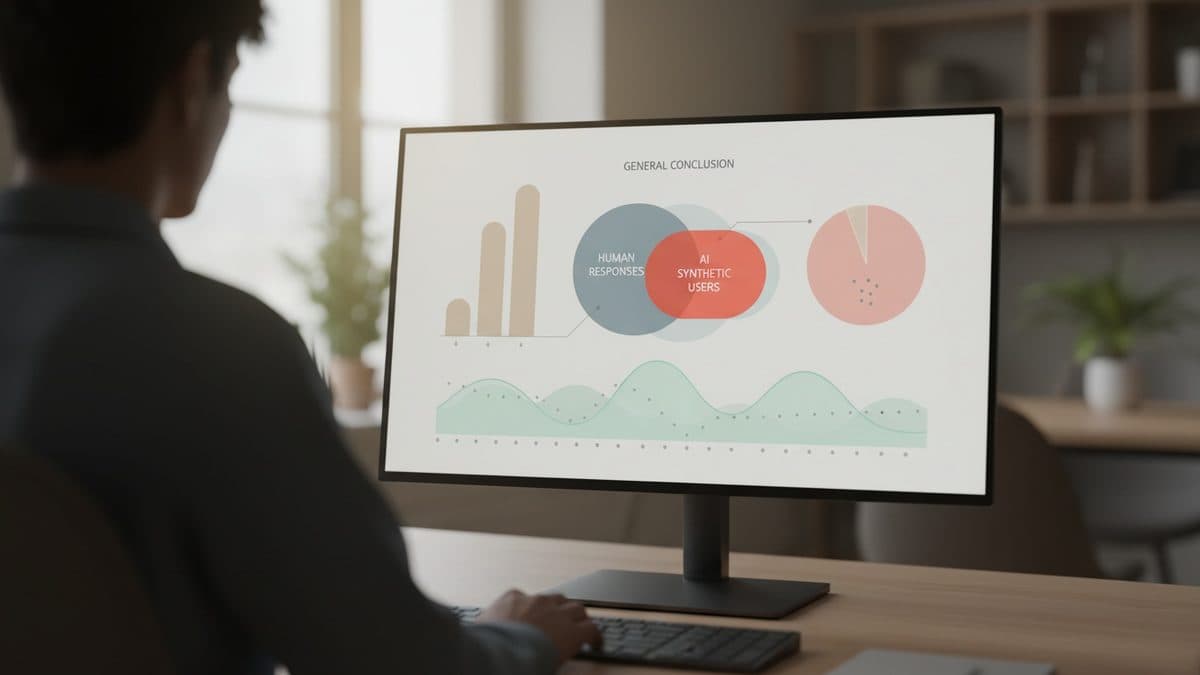
Synthetic AI users repeat human conclusion, but with less variation
A Nielsen Norman Group study compared 120 synthetic respondents with a survey of 604 human professionals and reached the same overall conclusion, only with much less diversity of responses. The phenomenon has a name: mode collapse.