The Nielsen Norman guide to using AI in UX without outsourcing judgment
NN/g compiled dozens of articles, videos and podcasts on AI applied to design and research. I selected what matters for those doing discovery and product work in Brazil, with the reasoning behind each choice.


The question is no longer whether you'll use AI in your design process, it's when and how without turning your output into a pile of generic text and insight that never came from an actual user. Nielsen Norman Group published a study guide in September 2026 that gathers its articles, videos and podcasts on the topic, organized by stage of UX work. It's an index, not an article with a single thesis, so it's less useful as a straight read and more as a map: you pick the gap in your process and go straight to the material.
The message that runs through every section, and that author Tanner Kohler sums up well, is this:
If you don't want to work for the robot, make the robot work for you.
Tanner Kohler, NN/g
In other words: AI comes in as an assistant you direct, not as autopilot. Below is what actually matters for Brazilian designers and PMs, without repeating the source's entire table.
The CARE framework: the only one you need to memorize
If you only have time for one item in the guide, make it CARE (Context, Ask, Rules, Examples). It's the framework NN/g proposes for writing prompts that generate something usable instead of a lukewarm response. Translated into discovery practice:
- Context: who the user is, what product, what business constraint. This is where most people fail, throwing out the question without the scenario.
- Ask: the specific request. Not "help me with research," but "generate 8 open-ended interview questions about cart abandonment."
- Rules: what to avoid (leading questions, jargon, bias).
- Examples: paste a snippet of copy or an interview guide that already worked.
Another article in the guide, Prompt to Design Interfaces, reinforces the same principle in design: vague prompts fail; precise visual keywords, references, mock data and code snippets produce a usable prototype. The structural lesson is the same as CARE's: curating context is the work.
Design: the value shifts from pixels to judgment
The Design section makes explicit a shift we've already felt in the market: the valuable skill is moving away from the "UI" of pushing pixels in the tool and toward the "UX" of defining user need and intent. Two concepts from the guide deserve attention:
- Promptframes: an evolution of the wireframe. Instead of gray rectangles, you use AI to quickly raise fidelity and get better feedback from users and stakeholders. Useful when validation stalls because nobody understands the rough draft.
- UX-Context Design: as more interface becomes AI-generated code, the deliverable of research and design stops being a document written for humans and becomes curated context that guides the AI. This changes what you produce day to day.
And there's an article that names the new core design competency in the AI era: critique. Building systems with AI requires encoding user need and design judgment into well-defined evaluation criteria. Less "I design," more "I define what's good and I evaluate."
Research: where AI helps and where it lies
This is the longest section of the guide, and the most important for those doing discovery. NN/g's position is clear: AI helps with planning and analysis, but doesn't replace data from real people. The concrete points:
| AI use in research | What the guide says |
|---|---|
| Planning research | Works well with prompts that break down each step |
| Writing surveys | Generates a polished draft quickly, but a human still catches subtle flaws that erode data quality |
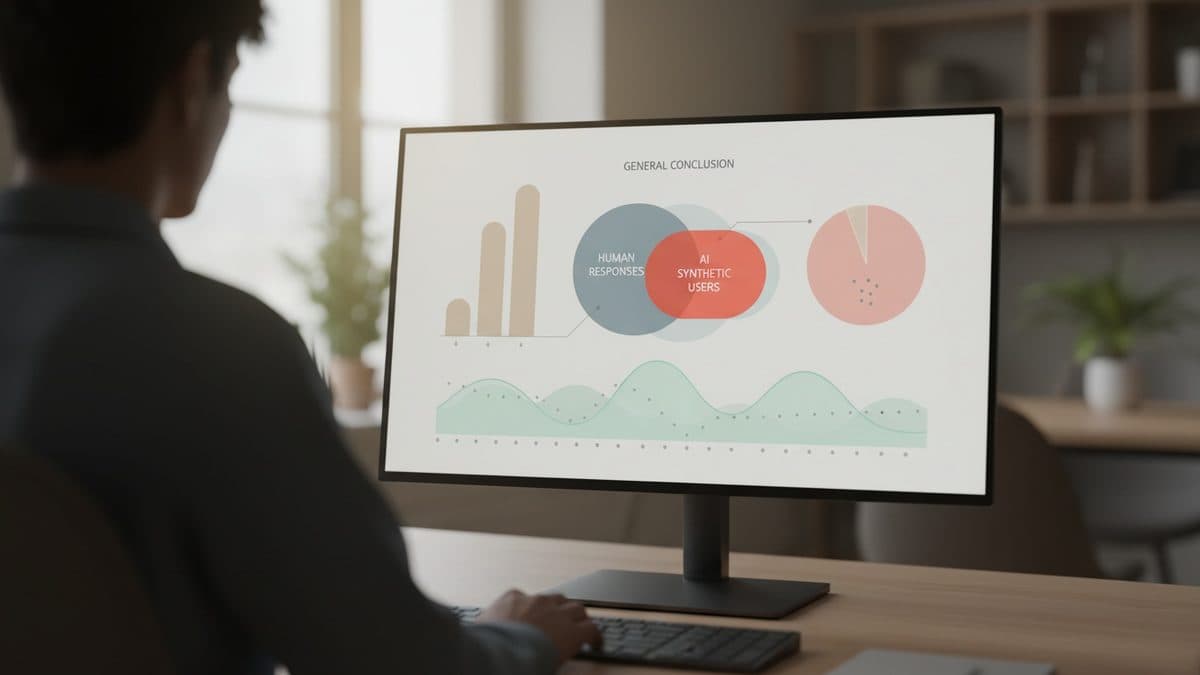
| Synthetic users / digital twins | Supplement, useful for filling gaps and predicting population trends, but far from replacing real users |
| AI-moderated interviews | Faster, scaled feedback, don't replace human semi-structured interviews |
| Qualitative analysis | AI as a thought partner, never leading the interpretation |
The strongest argument, and the one I'd bring to any meeting defending research budget, is in the article Don't Outsource the Learning: even if AI matches the quality of the researcher's output, the team's learning that comes from observing the user can't be outsourced. When you hand analysis off to the model, besides risking bad insight, you risk your own credibility, and the team loses touch with the product's reality.
For those buying tools: the guide cites lessons from the Baymard Institute on demanding proven accuracy. Many AI-powered UX tools don't deliver what they promise, so ask for evidence of precision before signing.
The numbers the source brings (and what they don't prove)
The State of AI for UX Work section brings together dated studies, which helps separate hype from data. It's worth reading with attention to the date, because model capability changes fast:
- GitHub Copilot: programmers increased throughput by 126%, with the biggest gains among the less experienced (2023).
- AI-assisted support agents: 13.8% more tickets handled per hour, with a slight improvement in resolution, again benefiting the less skilled more (2023).
- Generative AI raised employee output by 66% on average, especially in complex tasks and for less-skilled workers (2023).
Notice the pattern: the biggest gains show up among the less experienced. For design, this has a double reading: AI levels up from the bottom (good for onboarding and generalists) but doesn't push the ceiling for those who are already senior. And these are productivity studies in coding and support, not in UX research, so don't extrapolate them directly to your discovery.
The guide itself admits that its "state of the art" articles age fast: the April 2024 Status Update said most AI tools for UX failed to genuinely support the design workflow; the 2025 update already saw them as "marginally better," useful when narrowly scoped, but still not ready to replace a designer.
Who it's for, who it's not for
It's worth your time if you're a designer, PM or researcher looking to integrate AI into specific steps without dropping rigor, and you prefer curated material over digging through LinkedIn. Most of it is free and in short text form.
It's not for you if you're looking for a step-by-step tutorial on a specific tool or an independent, up-to-date benchmark. It's an index of NN/g's own content, with a natural bias toward its paid courses (AI for Design Workflows, Accelerating Research with AI), and most of the video links are complementary to the articles. Also don't expect unprecedented discoveries: the value is in the organization and the consistency of the thesis, not in new revelations.
The cost of extracting the essentials is low, about two or three hours if you focus on the Design and Research sections and on CARE. What I'd do: pick the stage in my process that's currently stuck (for many people that's qualitative analysis or prototype validation), read the two or three articles in that section, and test it on a real, low-risk project before changing the team's workflow.
Translated from the Brazilian Portuguese original · Read the original

Anthropic agents generate six hours of work per human hour, and design became the line of defense
An internal Anthropic study, published on October 16, shows that agents already work six times more than humans. The bottleneck is no longer generating work, it's deciding what deserves attention.