Search Console Doesn't Isolate AI Overviews Traffic: It All Lands in the Web Report

- Reading
- 6 min
Google Search Central documentation confirms it: clicks from AI Overviews and AI Mode land in the same bucket as traditional search traffic in Search Console. There's no dedicated filter, and that changes how growth teams need to think about measurement.
A lot of growth people open Search Console expecting to find a filter called something like "AI Overviews" in the search type tab, alongside Web, Images, and Video. It doesn't exist. Google Search Central's documentation on AI features in Search, updated on December 10, 2025, is direct about this: sites that appear in AI Overviews and AI Mode are counted within overall search traffic, in the Performance report, under the "Web" search type.
In other words, a click that came from a result inside an AI-generated overview and a click that came from a traditional blue link add up to the same metric. There's no native dimension, filter, or segmentation to separate the two. This runs against the expectation of much of the SEO and content teams, who already treat AI Overviews as a separate channel in their heads, but not as a separate channel in the tool.
What the Documentation Actually Says About Measurement
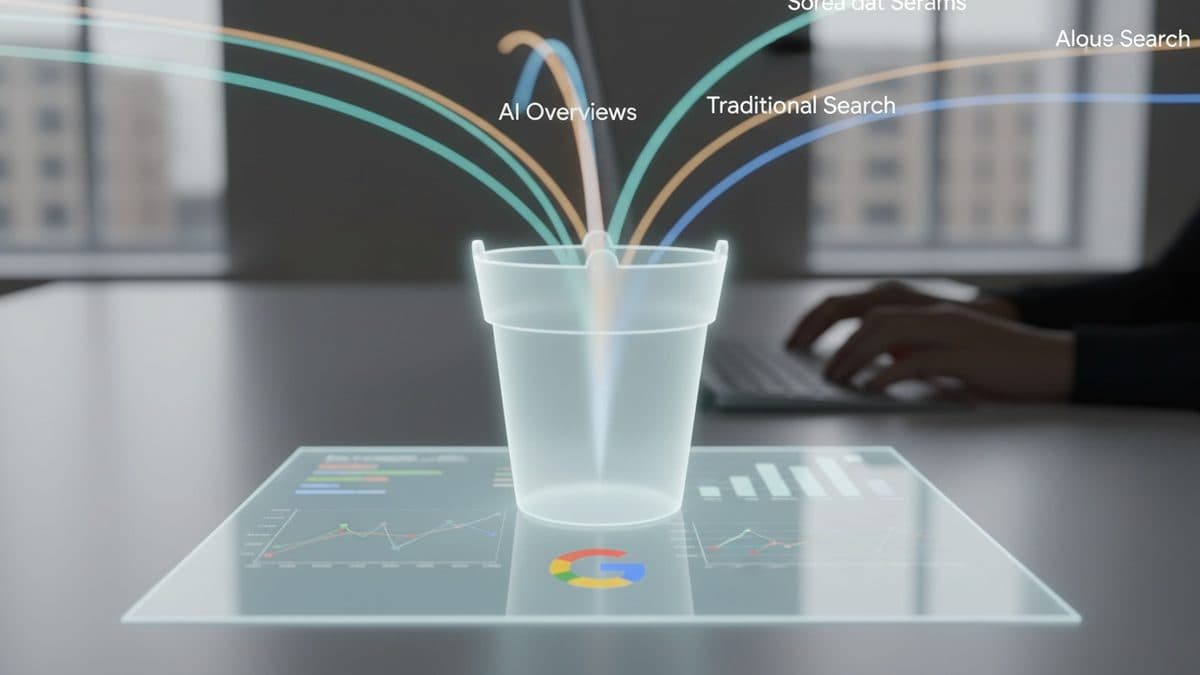
Google's text is specific about the mechanism. Both AI Overviews and AI Mode use a technique called "query fan-out": the system fires off multiple related searches across different subtopics and data sources to put together the final answer. While the answer is being generated, the models identify additional supporting pages, which allows a broader and more diverse set of links to be shown than a classic search would show.
This has a direct consequence for anyone trying to understand "why did this page get an impression": the keyword that triggered the click may not be exactly what the user typed, because it may have come from one of the fan-out's derived searches. The Performance report doesn't expose that chain. It shows the query, the page, clicks, impressions, CTR, and average position, aggregated, without indicating whether that specific appearance came from a classic organic result or from inside an AI Overview.
In short: Search Console internally knows where each impression came from, but it doesn't pass that information on to the tool's user. For anyone who needs to justify investment in content optimized for generative AI, this is a real limitation, not a minor technical detail.
The Only Quality Signal Google Shares
The documentation includes a qualitative observation worth quoting, because it's the only concrete clue Google gives publicly about the behavior of this traffic:
We've seen that when people click from search results pages with AI Overviews, these clicks are higher quality (meaning, users are more likely to spend more time on the site).
Google Search Central, official Search documentation
Note that there's no number, percentage, or benchmark attached to this statement. It's a directional observation, not an auditable data point. Any article or thread that shows up citing "X% more session time with AI Overviews" is extrapolating beyond what Google published in this document.
The Controls You Actually Have
Since there's no separate dimmer for AI Overviews, the site owner's control surface is the same as always, just repurposed. The documentation lists:
robots.txtremains the main control over Googlebot's access to the site, since AI is integrated into Search as a whole.nosnippet,data-nosnippet, andmax-snippetlimit how much text content appears in any snippet, including inside AI Overviews.noindexremoves the entire page from eligibility, for classic Search and for AI features.Google-Extendedis the separate directive for anyone who wants to limit the use of content in training and grounding other Google systems, outside of Search.
There's no specific tag along the lines of "don't include me in AI Overviews, but keep me in regular search." The binary choice is to appear with a normal snippet (and be eligible for everything) or restrict the snippet (and drop out of everything that depends on it).
How to Approximate a Before-and-After Measurement Even Without the Filter
If the tool doesn't separate them, the growth team's job is to build an approximation with what's available. Three practical approaches, none perfect, but all measurable:
- Segment by query cluster. Identify, through manual sampling or a third-party tool that monitors SERPs, which queries in your portfolio currently trigger AI Overviews. Compare the evolution of CTR and average position for those specific queries in the Performance report, period over period, against the rest of the portfolio that doesn't trigger them.
- Cross-reference with Analytics for session quality. The documentation itself recommends combining Search Console with Google Analytics. If AI Overviews clicks really do tend to spend more time on the site, that should show up as an increase in engagement time on the landing pages tied to the queries from step 1, even without being able to attribute the individual session to its origin.
- Monitor the aggregate trend for the "Web" type. When a high-volume query in your niche starts triggering an AI Overview (which can be checked manually or with rank-tracking tools that capture SERPs), look at whether that page's average position and CTR change in the aggregate, even knowing the number mixes both sources together.
None of these approaches deliver a clean "generative AI traffic" metric. All of them deliver a defensible proxy, with the transparency that it is a proxy. That's how the report should be presented to whoever decides the budget: as an informed estimate, not as an exact number.
The Technical Checklist Doesn't Change
The good part of the documentation, for anyone who already does technical SEO right, is that there's no new set of requirements to appear in AI Overviews or AI Mode. To be eligible as a supporting link, a page just needs to be indexed and eligible to appear in Search with a snippet, meeting the standard technical requirements. There's no additional documented technical requirement.
The best practices Google reinforces are the same as always: allow crawling in robots.txt (including by CDN and hosting infrastructure), have internal links that make content discoverable, offer a good page experience, keep important content in text format, support the text with quality images and videos, make sure structured data matches the visible text on the page, and keep Merchant Center and Business Profile up to date.
What's Left Open
The documentation doesn't promise a separate dimension for AI Overviews in the future, nor does it give a timeline for that to change. For the growth team, the practical recommendation is to stop looking for the filter that doesn't exist and invest energy in building the measurement proxy described above, clearly documenting for stakeholders that it is an estimate. It's also worth keeping an eye on the help page "how AI Overviews and AI Mode are counted in Search Console's overall data," cited by the documentation itself, in case Google decides to detail the mechanism further there in the future.
Translated from the Brazilian Portuguese original · Read the original
Google documents how robots.txt and meta tags decide exposure to AI Overviews and AI Mode
Official Google Search Central guide, updated in December 2025, brings together in one place the technical directives that control whether a page enters the responses generated by AI Overviews and AI Mode.