
Search Console doesn't separate clicks from AI Overviews and AI Mode, Google confirms

- Reading
- 5 min
Google Search Central documentation shows that AI Overviews and AI Mode come in together with Web traffic in Search Console, with no filter of their own. See the honest method for measuring GEO impact without relying on third-party estimates.
What the Google Search Central documentation says
Google Search Central updated, on December 10, 2025, the guide "AI features and your website." The document explains how AI Overviews and AI Mode work in Google Search and what that means for anyone who publishes a site. It separates the two features by use case: one summarizes complex answers, the other handles comparison and multi-step reasoning.
AI Overviews appears when Google's system judges that the answer helps traditional search, which is why it isn't triggered on every query. AI Mode kicks in on searches that call for comparison or layered exploration of a topic, the kind that used to require several separate searches. Both use a technique the documentation calls query fan-out: the system fires off related searches, across different subtopics and sources, to put together the final answer.
The question every growth team asks
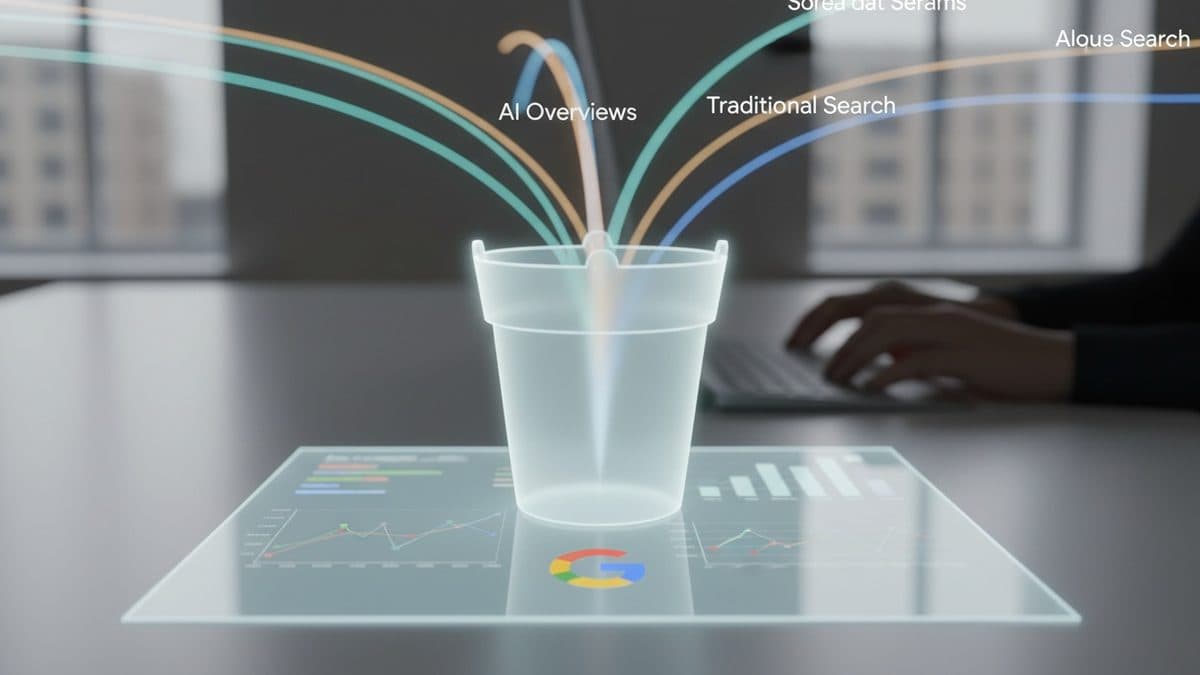
Can you open Search Console and see, separately, how many clicks and impressions came from an AI Overview or an AI Mode answer? The answer, per Google's own documentation, is no. Pages that appear in these features fall into general search traffic, within the Web search type of the Performance report, alongside all traditional results.
There is, today, no AI Overview or AI Mode filter inside the Search Console Performance report. Anyone using a third-party tool to estimate "% visibility in AI Overview" is reading an inference built from scraping results pages, not data that Google exposes via interface or API.
What you can actually measure, without a third-party tool
Even without native segmentation, the documentation points to two paths: analyzing the change in overall traffic trend in the Performance report, and cross-referencing Search Console data with Google Analytics. An honest before-and-after for GEO, built only from these two sources, follows a four-step sequence.
- Isolate candidate queries. Filter, in the Performance report, the site's queries that are long, comparative, or multi-step: that's the search profile the documentation associates with AI Overviews and AI Mode.
- Compare two periods. Use Search Console's own date comparison (before and after the date you suspect Google started showing an AI answer for that topic) on the same pages and queries.
- Read the pattern, not the isolated number. Impressions rising while CTR falls usually indicates the page is being summarized in an AI answer without generating a click; stable impressions and CTR, with a slight drop in absolute clicks, may indicate a ranking loss for some other reason, not AI.
- Confirm with Analytics. The documentation states that clicks coming from a page featured in an AI Overview tend to generate higher-quality traffic, with the visitor spending more time on the site; compare average engagement time and conversion rate for the same pages, over the same two periods, in GA4.
None of these steps delivers an exact number of clicks from AI Overview. They deliver a pattern of circumstantial evidence, which is quite different from confirmed data, even when it looks convincing.
Technical checklist for appearing on these surfaces
There is no specific optimization for AI Overviews or AI Mode: the documentation is explicit that the same old SEO fundamentals are what count. The list Google recommends includes:
- Making sure
robots.txt, CDN, or hosting infrastructure allow crawling. - Making content easy to discover through internal linking.
- Delivering a good page experience.
- Putting essential content in text format.
- Supporting the text with quality images and video, when it makes sense.
- Making sure structured data matches the text that actually appears on the page.
- Keeping Merchant Center and Business Profile information up to date.
- Verifying the site in Search Console to quickly diagnose technical problems.
The minimum requirement to become a reference link in an AI answer is the same as appearing with a snippet in traditional search: an indexed page that meets search's technical requirements. There's no bonus or penalty exclusive to these features beyond that.
Controls for those who want to opt out
Anyone who doesn't want their content feeding an AI answer has native options, without needing to block Googlebot's crawling entirely. nosnippet, data-nosnippet, max-snippet, or noindex limit what shows up in the snippet and, as a result, in generated answers. To prevent other Google AI systems from using the content for training or grounding, the documentation points to Google-Extended.
If the control is implemented and the content keeps showing up, the first step is to confirm, through the URL Inspection tool, whether Googlebot is seeing the correct directive. The second is to wait for the next crawl, which can take anywhere from days to months depending on the crawl frequency Google assigns to the page. If it persists after that, you can request a new crawl of the page or open a question in the Search Central help community.
The real limit of GEO without a paid tool
Third-party tools that promise an AI Overview visibility dashboard are, at bottom, doing results-page scraping and statistical inference. That's not illegitimate, but the growth team needs to know the difference: it's a third-party estimate, not data that Google itself exposes. The Search Central documentation makes clear that, at least through the December 2025 update, this segmentation simply doesn't exist inside Search Console.
For anyone who measures SEO as engineering, this changes what report is worth presenting. Instead of 'we gained X% visibility in AI Overview,' the honest report is 'on queries with an AI profile, impressions rose, CTR fell, and session engagement in GA4 rose,' with the caveat that AI Overview is the probable cause, not the confirmed cause. It's less impressive on a slide, but it's what today's data supports.
Translated from the Brazilian Portuguese original · Read the original
Favicon in Google Search: how to audit and fix the redirect chain
Google Search Central's documentation on favicons was updated in September 2026 and reinforces rules that many redirect chains and misconfigured CDNs break without anyone noticing.